The best Shopify dropshipping apps depend on what you need help with: AutoDS handles sourcing and automation, Printful and Printify support custom products, and tools like Judge.me and TrueProfit help with reviews and profit tracking. I’ve put a quick comparison below so you can find your fit without opening dozens of browser tabs.
Start with one sourcing app, then add tools for reviews, support, or analytics as needed.
AutoDS combines sourcing and automation; features vary by plan and may require paid add-ons.
Printful and Printify support products featuring your own designs.
Free installation doesn’t mean free fulfillment: products, shipping, and other costs still apply.
Compare total monthly costs and test before committing to paid tools.
Quick Picks: Which App Is Best for You?
Start with the task that takes up too much of your day. Sourcing apps help you list products and manage orders; review, page-building, and analytics tools help with other parts of the store.
Prices are in USD, using monthly billing where available. Ratings and review counts reflect the Shopify App Store listings checked on November 2, 2026.
| App | Best for | Starting price | Shopify rating / reviews | Free plan or trial |
|---|---|---|---|---|
| AutoDS | Product sourcing and dropshipping automation | $26.90/month; monitoring starts with Starter at $39.90/month | 4.6/5 · 1,354 | 3-day free trial via Shopify; 3 days for $1 via AutoDS website |
| CJdropshipping | Sourcing products and arranging fulfillment through CJ | Free to install; product, shipping, and service charges apply | 4.9/5 · 2,937 | Free installation |
| Printful | Selling custom printed and embroidered products | Free to install; fulfillment and shipping charged separately | 4.8/5 · 4,008 | Free plan |
| Printify | Comparing print providers for custom products | Free to install; Premium from $39/month | 4.7/5 · 4,350 | Free plan |
| PageFly | Building custom landing and product pages | Free; paid plans from $24/month | 4.9/5 · 5,920 | Free plan with one published page or section |
| Frequently Bought Together | Offering related products and bundles | Free; paid plans from $9.99/month | 4.9/5 · 1,214 | Limited free plan; 14-day paid-plan trial |
| Judge.me | Collecting and displaying customer reviews | Free; Awesome plan at $15/month | 5.0/5 · 49,463 | Free plan; 15-day paid-plan trial |
| Tiny SEO Speed Image Optimizer | Image optimization, technical SEO, and speed tools | Free; paid plans from $14/month | 5.0/5 · 2,571 | Limited free plan; 7-day paid-plan trial |
| Syncing your catalog to Pinterest and running ads | Free to install; advertising costs extra | 4.1/5 · 1,708 | Free installation | |
| Shopify Inbox | Answering shoppers’ questions through store chat | Free | 4.6/5 · 5,810 | Free app |
| TrueProfit | Tracking net profit after business expenses | $35/month for 300 orders; overage charges apply | 4.9/5 · 923 | 14-day free trial |
Disclosure: This article is published by AutoDS. I’ve compared every app using the same criteria: purpose, price, rating, and limitations.
The AutoDS section below explains which features come with each plan and which cost extra.
What Are Shopify Dropshipping Apps?
Shopify dropshipping apps are tools that connect to your store to help with product sourcing, imports, inventory updates, and order fulfillment. Some handle several of these tasks in one place. Others support the shopping experience through reviews, custom pages, customer chat, or profit tracking.
Choose your sourcing app first, based on your suppliers and the tasks you want to automate. You can then add reviews, chat, or marketing tools where you need them.
You’ll probably use more than one app, but a small setup is fine to begin with. Check what your Shopify theme already includes before paying for extra features.
🆕 Beginner’s Tip: Give every app a clear purpose. If you can’t name the task it saves you or the customer problem it solves, skip it for now.
These apps cover different parts of running a store, from finding products to answering that “Where’s my order?” message. I’ve grouped them by what they do so you can focus on the tools that fit your business:
- Sourcing and automation: AutoDS, CJdropshipping.
- Print on demand: Printful, Printify.
- Store conversion and optimization: PageFly, Frequently Bought Together, Judge.me, Tiny SEO Speed Image Optimizer.
- Marketing, support, and analytics: Pinterest, Shopify Inbox, TrueProfit.
Sourcing and Automation Apps
Your sourcing app connects the products you sell with the suppliers fulfilling them. Start with supplier compatibility, then check which imports, inventory updates, and order-processing tasks it can handle for your setup.
1. AutoDS
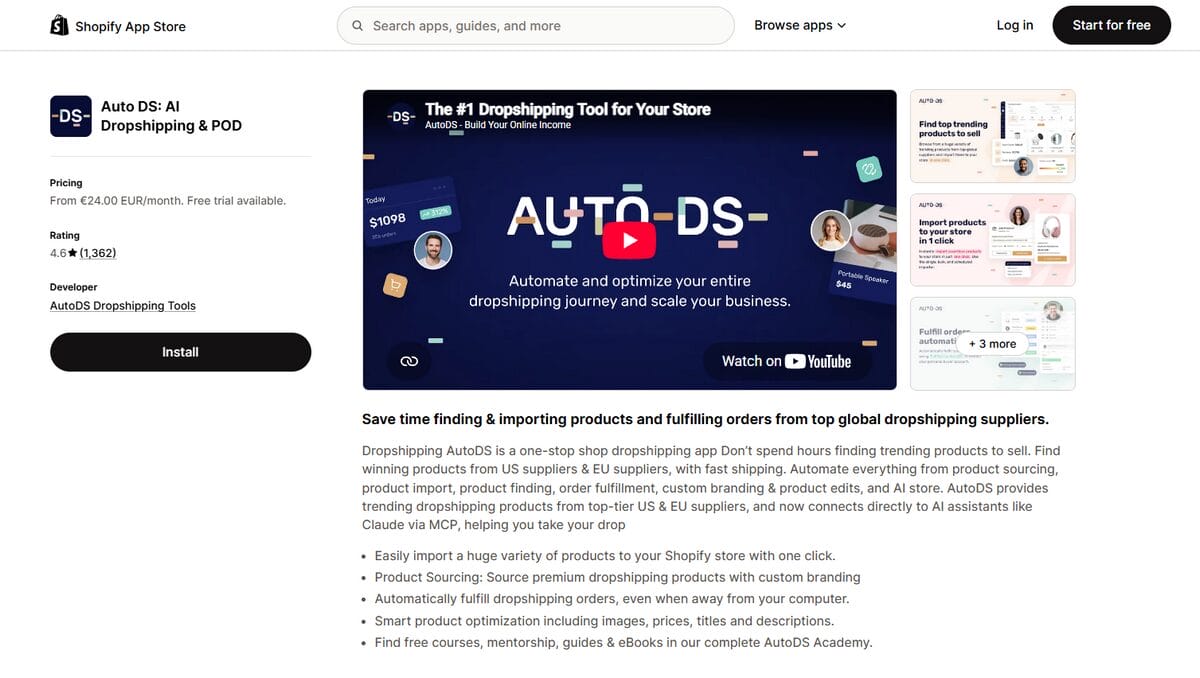
Best for: Sellers who want product sourcing, importing, and order automation in one place.
AutoDS is an all-in-one dropshipping platform that connects your Shopify store with suppliers and helps you manage products and orders. If your daily routine involves copying listings, checking stock, and entering customer details into supplier websites, it can take much of that repetitive work off your hands.
- Shopify App Store rating: 4.6/5 from 1,354 reviews, checked November 2, 2026.
- Starting price: $26.90/month for Import 200. Starter 500 costs $39.90/month and adds price and stock monitoring.
- Not the best fit if: You need a permanently free sourcing app or only want basic importing.
What you can do with AutoDS:
- Product importing: Import products individually or in bulk, then review titles, images, variants, and pricing before publishing.
- Price and stock monitoring: Keep connected listings updated when supplier prices or availability change. For Shopify, this starts with the Starter plan.
- Automatic orders: Reduce manual order placement for eligible suppliers. Availability depends on your supplier and fulfillment method, and you’ll need to account for the required add-on and order credits.
- Tracking updates: Send available tracking details back to your store through AutoDS’s order-processing tools, so there’s less information to copy between accounts.
- AI Shopify store builder: Create a starting storefront, then customize it to suit your products and brand.
I’d choose a plan based on the work you want to stop doing. Import 200 covers importing, but if checking stock is what eats up your mornings, you’ll need Starter or above. Order automation has its own requirements, so check your suppliers and the extra costs before subscribing.
Trial terms: The AutoDS website offer provides three days for $1 for your selected subscription package. Products, shipping, and separately billed add-ons aren’t included. The Shopify App Store lists a separate three-day free trial; the terms you see during signup apply to that offer.
If you decide it isn’t for you, cancel before the trial expires through your AutoDS account settings. Review enabled add-ons too, and complete the cancellation process rather than simply leaving the app unused.
You can try AutoDS for $1 with a few products first. Import them, check the variants, and confirm how orders would reach your suppliers. That gives you a practical way to judge whether it fits your store.
2. CJdropshipping
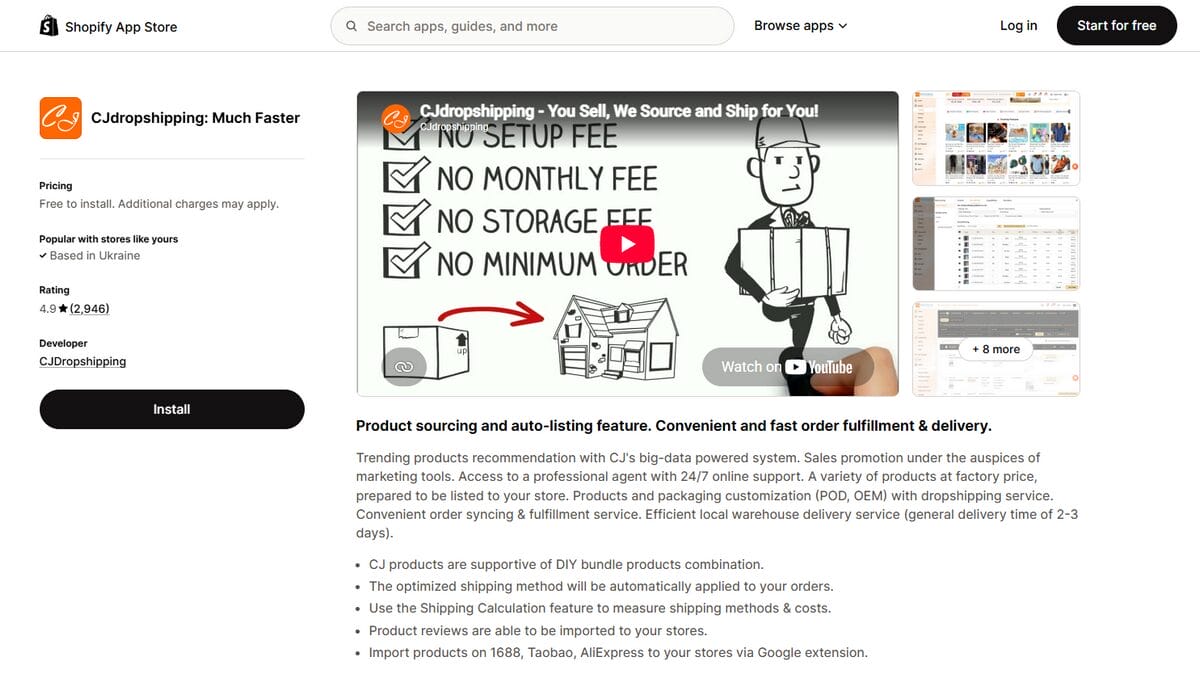
CJdropshipping lets you source products, list them on Shopify, and send orders to CJ for fulfillment. Custom packaging options are also available.
- Best for: Sellers who want sourcing assistance and fulfillment through one provider.
- Shopify App Store rating: 4.9/5 from 2,937 reviews, checked November 2, 2026.
- Starting price: Free to install. You pay for products, shipping, and any applicable services.
- Main limitation: Costs and delivery options depend on the product, warehouse, destination, and services you choose. Free installation doesn’t mean free fulfillment.
What I like about this setup is that you can discuss sourcing, packaging, and fulfillment with the same provider. Before listing a product, ask for a quote for your target destination and confirm where the exact variant will ship from.
📦 Supplier’s Tip: Test the exact shipping route. Order a sample using the warehouse and delivery method you plan to offer customers, then check the packaging, tracking, and actual arrival time.
3. Other tools
DSers, Spocket, and Zendrop are also worth comparing. Use the same product and destination when checking quotes, then look at the features included in each plan. That makes differences in cost and service much easier to spot.
Print-On-Demand Apps
Print-on-demand apps let you sell products featuring your own designs without buying finished stock upfront. Production happens after an order, so your supplier’s printing time matters just as much as shipping. These tools suit stores built around original artwork, niche designs, or personalized products.
4. Printful
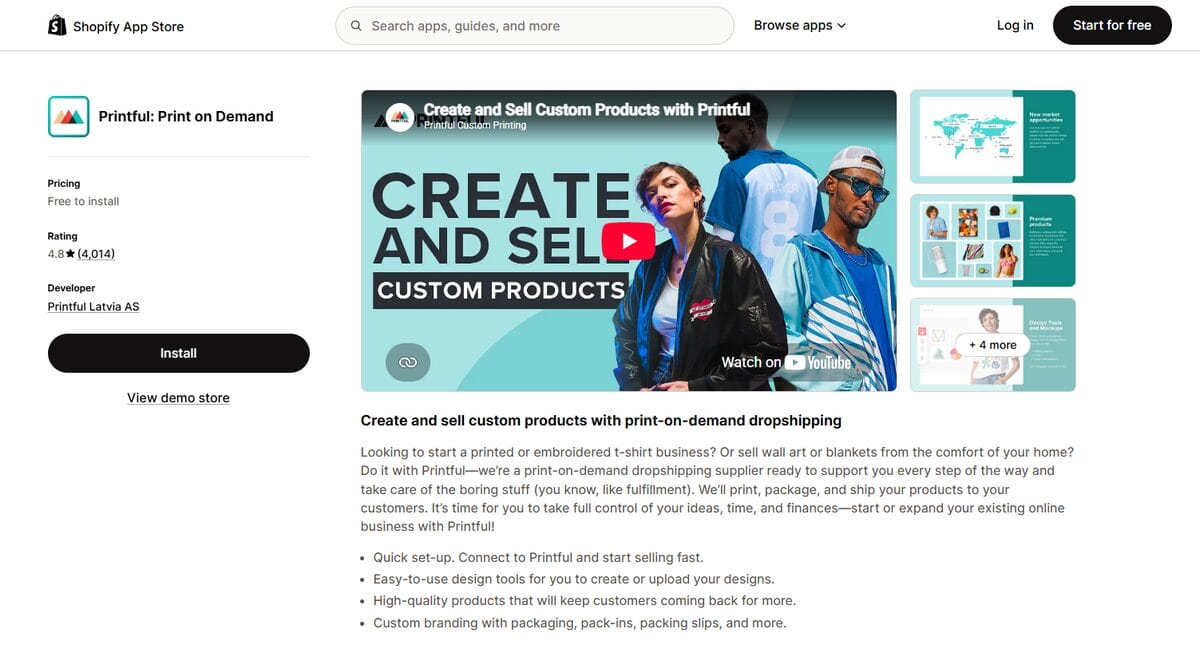
Printful connects your Shopify store with custom printing, embroidery, and fulfillment, so you can sell products featuring your designs without handling production yourself.
- Best for: Sellers who want custom products, built-in design tools, and branding options.
- Shopify App Store rating: 4.8/5 from 4,008 reviews, checked November 2, 2026.
- Starting price: Free to install, with product fulfillment and shipping charged separately. The optional Growth plan costs $24.99/month.
- Main limitation: Product, shipping, and optional branding costs can leave less room for profit than your retail price initially suggests.
Printful’s mockups help you put together a listing, but a sample tells you much more. Check the fabric, print placement, and finish before spending money on promotion. After all, the customer is buying the shirt, not the mockup.
5. Printify
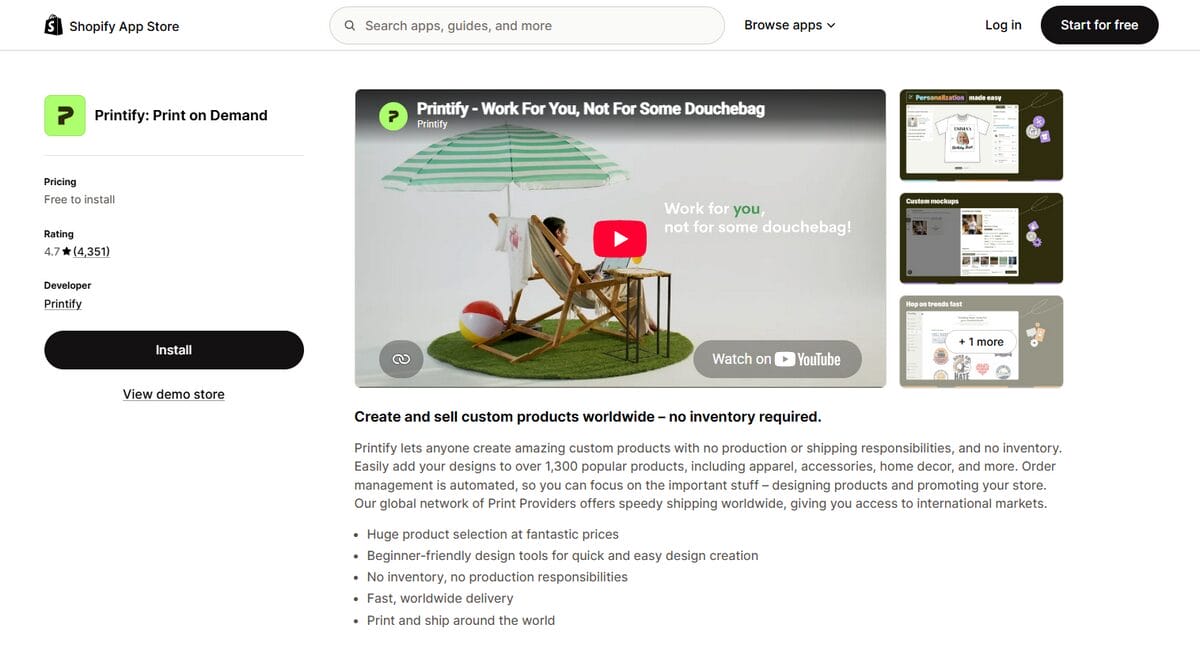
Printify connects your store with a network of print providers, letting you compare production options for products featuring your designs.
- Best for: Sellers who want to compare print providers by product selection, location, and cost.
- Shopify App Store rating: 4.7/5 from 4,350 reviews, checked November 2, 2026.
- Starting price: Free to install; product and shipping costs are separate. The optional Premium plan costs $39/month with monthly billing.
- Main limitation: Quality, available variants, production times, and shipping options vary by print provider.
Compare the total product and shipping cost before choosing a provider. A cheaper shirt can work out more expensive once delivery is added. For Premium, I’d calculate the discount on your likely orders and see whether it covers the monthly fee.
Apps That Help You Convert
Once you can reliably get orders to customers, look at what might be holding shoppers back. These apps can help you explain products, display reviews, and make useful recommendations.
6. PageFly Landing Page Builder
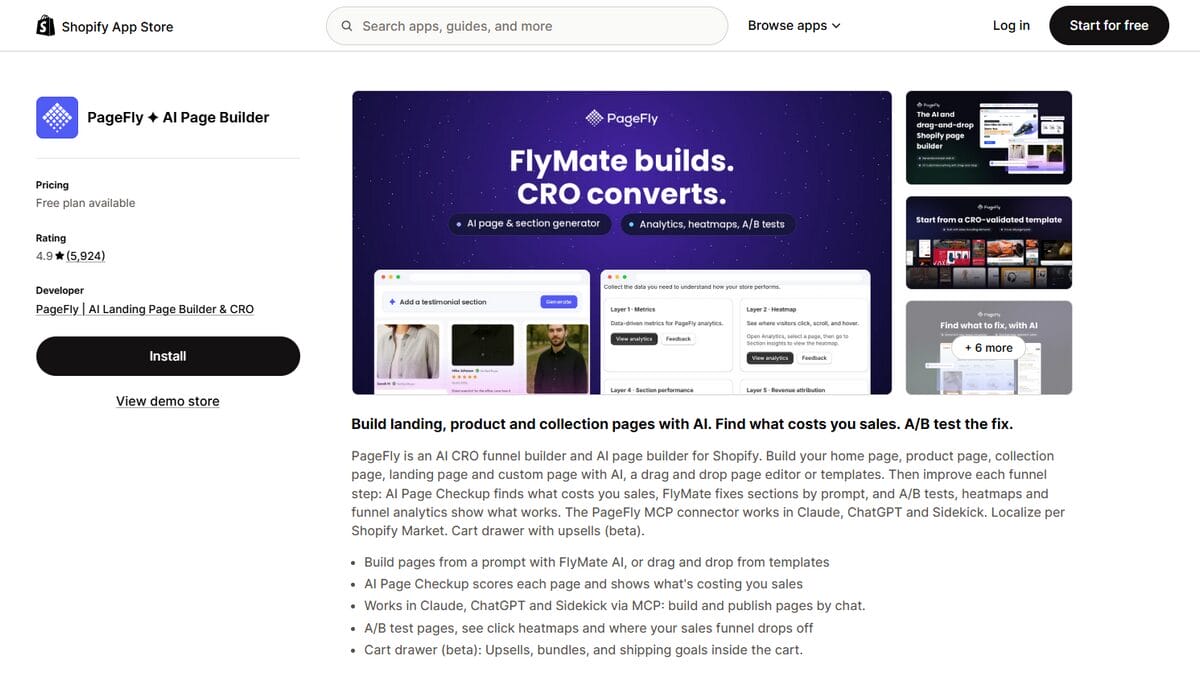
PageFly lets you build custom landing and product pages with a visual editor, templates, and AI-assisted tools.
- Best for: Sellers who need more layout flexibility than their theme provides.
- Shopify App Store rating: 4.9/5 from 5,920 reviews, checked November 2, 2026.
- Starting price: Free for one published page or section. Paid plans start at $24/month.
- Main limitation: The free plan covers only one published slot, so multiple custom pages require a paid subscription.
PageFly is useful when your theme won’t let you put key information where shoppers need it, such as a size guide beside the buy button. Try it on one product page first, then check the result on your phone: can you find the details and add the item to your cart without hunting around?
7. Frequently Bought Together
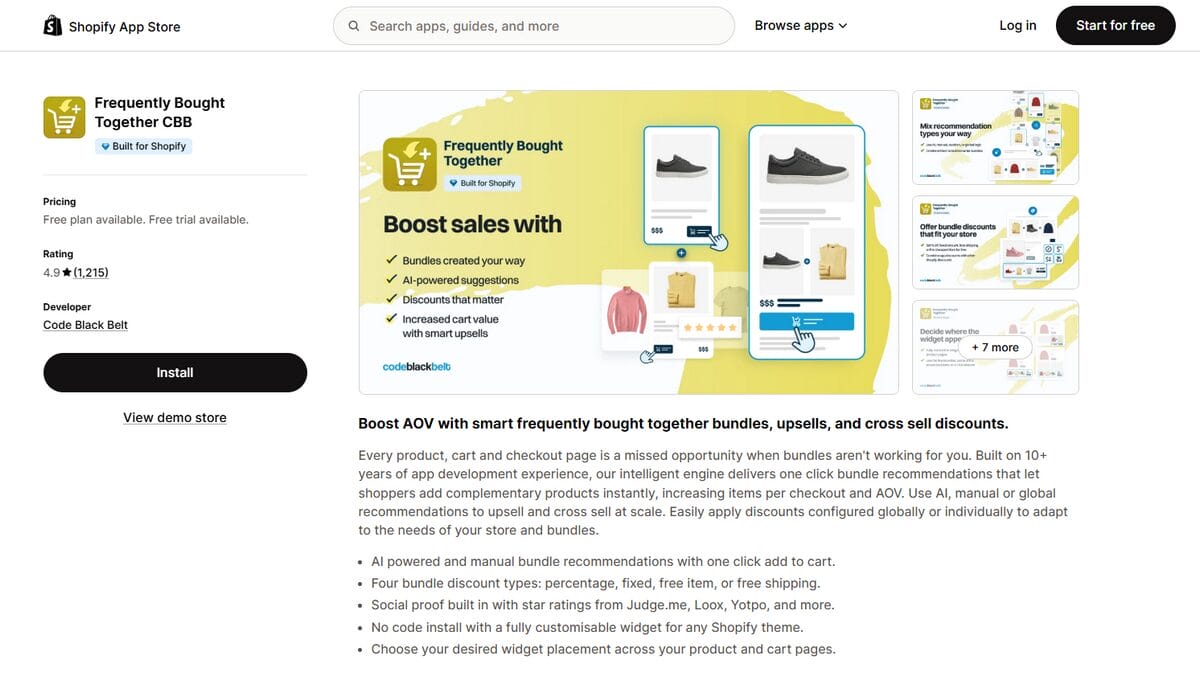
Frequently Bought Together adds product recommendations and bundle offers, helping shoppers find complementary items they can purchase together.
- Best for: Stores with products that naturally work as a set.
- Shopify App Store rating: 4.9/5 from 1,214 reviews, checked November 2, 2026.
- Starting price: Free for up to three manual bundles. Paid plans start at $9.99/month for stores with up to 50 monthly orders.
- Main limitation: The entry paid tier has an order limit, so your subscription cost can increase as order volume grows.
A yoga mat and carrying strap make a sensible pair. Start with combinations like that, and check your margin after any bundle discount. If the items come from different suppliers, explain that they may arrive separately.
8. Judge.me Product Reviews
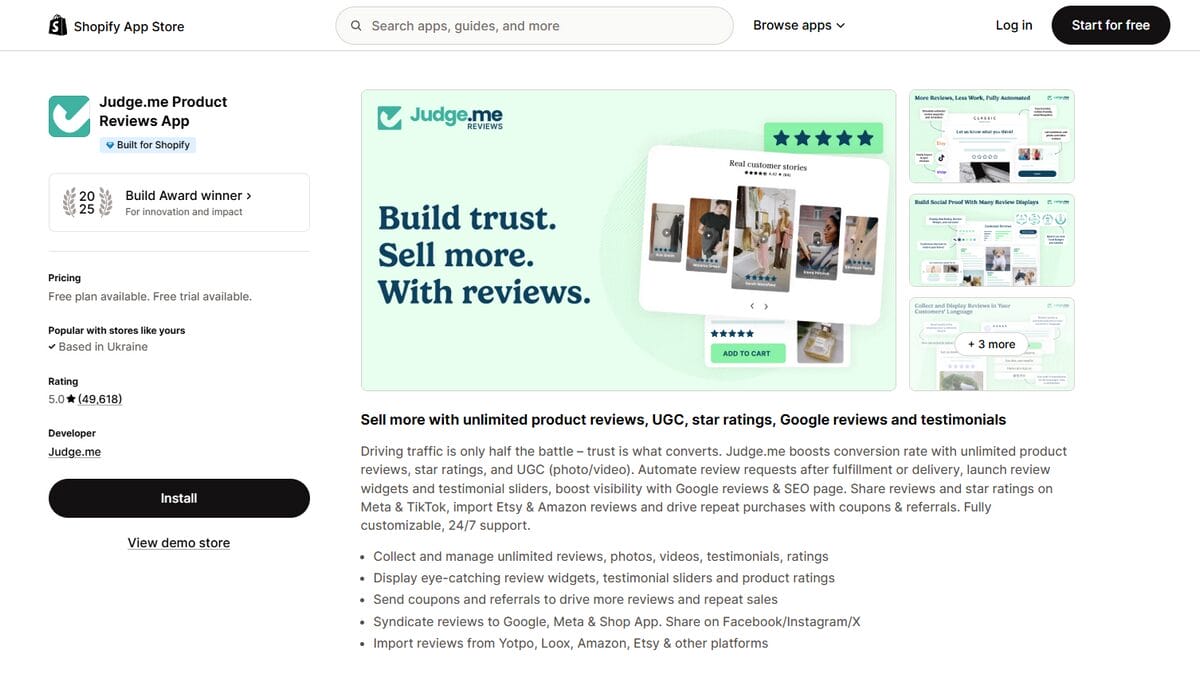
Judge.me helps you collect and display customer reviews, including photos, videos, and star ratings on your store.
- Best for: Sellers who want to build trust through customer feedback.
- Shopify App Store rating: 5.0/5 from 49,463 reviews, checked November 2, 2026.
- Starting price: Free plan available. The Awesome plan costs $15/month, with a 15-day free trial.
- Main limitation: Advanced customization, collection features, and certain integrations require the paid plan.
Ask customers for honest feedback after delivery, then display reviews where shoppers can use them. Comments about fit, materials, or everyday use often answer questions the description misses. If you import reviews, they should match the exact product and clearly reflect their original source.
9. Tiny SEO Speed Image Optimizer
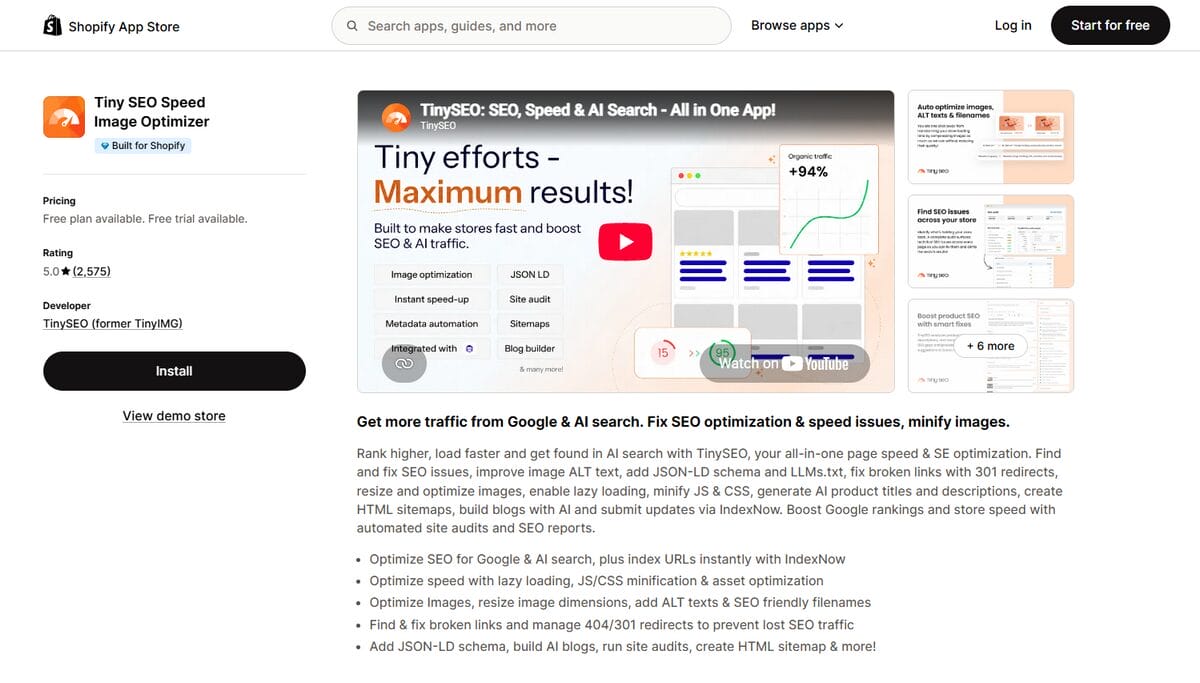
Tiny SEO Speed Image Optimizer helps with image compression, page-speed improvements, and technical SEO tasks.
- Best for: Sellers managing image-heavy catalogs who want help with recurring optimization tasks.
- Shopify App Store rating: 5.0/5 from 2,571 reviews, checked November 2, 2026.
- Starting price: Free for 50 image optimizations per month. Paid plans start at $14/month, with a seven-day free trial.
- Main limitation: Image optimization allowances vary by plan, and extra images can incur additional charges.
Start with your product photos. Large supplier images can make pages heavier, but aggressive compression can hide the details shoppers want to see. Check the result at full size and on mobile before applying the same settings across your catalog.
Marketing, Support and Analytics Apps
These apps help with three everyday questions: how will shoppers find your products, where can they ask for help, and are your sales leaving you a profit?
10. Pinterest
Pinterest connects your Shopify catalog to the platform, helping you put products in front of shoppers browsing for ideas and inspiration.
- Best for: Stores with visually appealing products that fit searches around outfits, home decor, gifts, or hobbies.
- Shopify App Store rating: 4.1/5 from 1,708 reviews, checked November 2, 2026.
- Starting price: Free to install; advertising costs extra.
- Main limitation: Connecting your catalog doesn’t guarantee traffic or sales. Your results still depend on product appeal, creative quality, and audience fit.
Show products in a setting shoppers can picture: a styled room, a complete outfit, or a gift idea. Link each Pin to the relevant product page so they can find what caught their eye. For paid campaigns, test a few products before increasing your budget.
11. Shopify Inbox
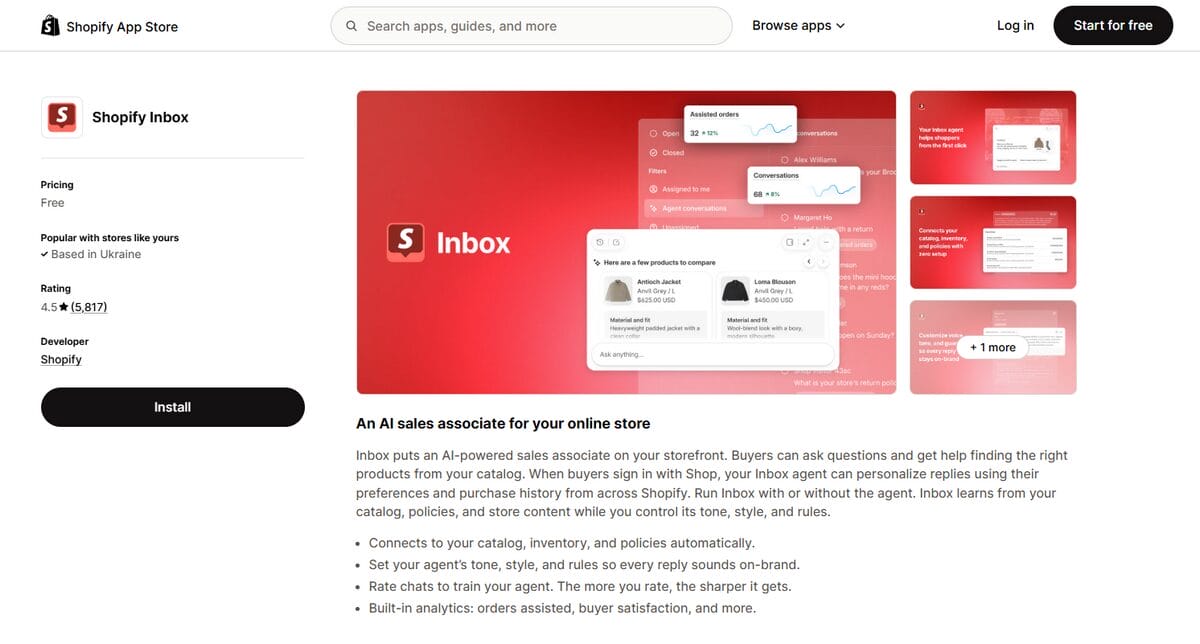
Shopify Inbox adds customer chat to your store, helping you answer questions while shoppers browse and consider a purchase.
- Best for: Sellers who want a straightforward way to handle shopping questions.
- Shopify App Store rating: 4.6/5 from 5,810 reviews, checked November 2, 2026.
- Starting price: Free.
- Main limitation: A chat tool still needs accurate answers and someone available to handle questions that require a human response.
Prepare answers about delivery, sizing, compatibility, and returns before turning chat on. Set a response time you can keep, and check supplier details before promising a delivery date. A quick answer helps only if it’s accurate.
12. TrueProfit
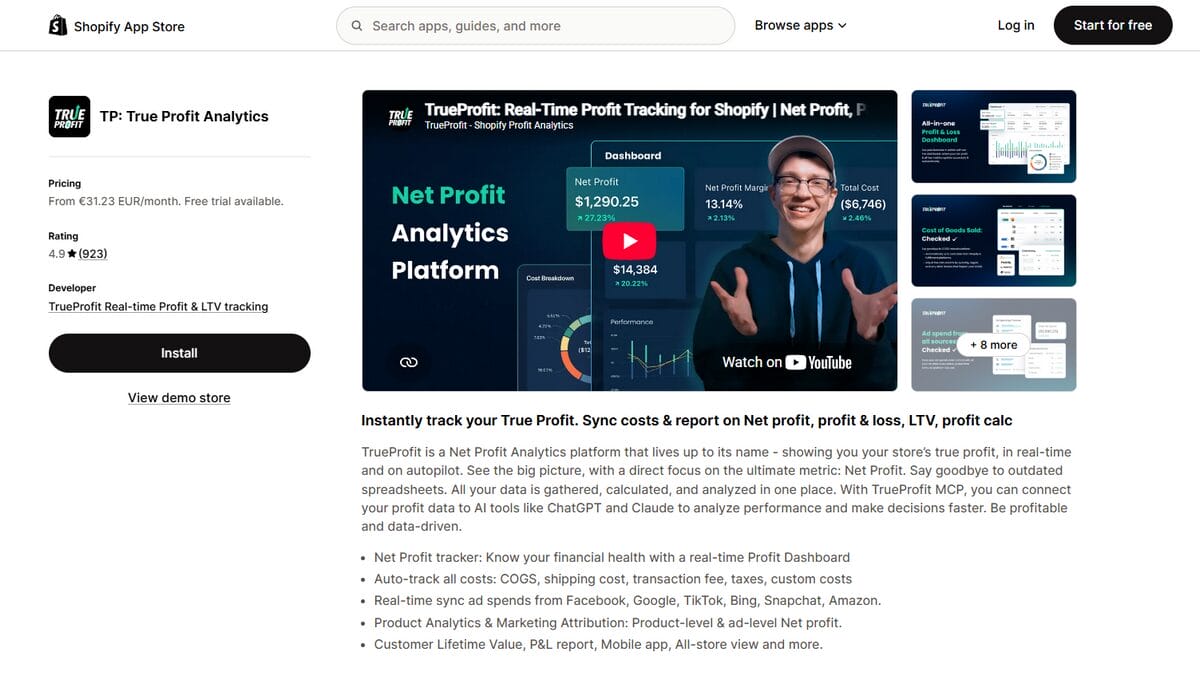
TrueProfit brings sales and expense data into a net profit dashboard, helping you see what remains after costs such as products, shipping, advertising, and payment fees.
- Best for: Sellers who need a clearer view of profitability, especially when running paid ads.
- Shopify App Store rating: 4.9/5 from 923 reviews, checked November 2, 2026.
- Starting price: $35/month for 300 orders, with a 14-day free trial. Additional orders cost $0.30 each on the Basic plan, subject to its surcharge cap.
- Main limitation: Your results depend on complete cost data, and product-level analytics require a higher plan.
A busy store can still lose money. Check that product costs, ad spend, and shipping charges are recorded correctly before deciding which campaigns to scale. I’d reconcile a few orders manually when you first connect the app.
💰 Financial Tip: Include the less obvious costs. App subscriptions, refunds, replacement shipments, and transaction fees belong in your profit calculations too.
How to Choose the Right Shopify Dropshipping App
Start with what’s slowing you down. If orders take hours to process, look at automation. If visitors leave without buying, check whether the product page answers their questions before shopping for another app.
Here’s where I’d start for each situation:
| If you want to… | Start with | Why it fits | Check before committing |
|---|---|---|---|
| Source from multiple suppliers and automate daily operations | AutoDS | Combines product importing, monitoring, and supported order automation | Supplier compatibility, subscription tier, and automation add-ons |
| Build an AliExpress-focused workflow | DSers | Supports AliExpress product management and bulk ordering | Which updates and automation features your chosen plan includes |
| Find suppliers closer to US or EU customers | Spocket | Offers access to US and European suppliers | Actual ship-from location, processing time, and delivery estimate for each product |
| Sell products featuring your own designs | Printful | Connects design tools with printing, embroidery, and fulfillment | Sample quality and the total product-plus-shipping cost |
| Improve product and landing page layouts | PageFly | Gives you more control over how you present products and answer buying questions | Whether your existing theme already supports the changes you need |
| Understand profit after expenses | TrueProfit | Brings revenue and costs into a profit dashboard | Cost-data accuracy, order limits, and which reports your plan includes |
Before subscribing, test one complete workflow. For a sourcing app, import a product, check its variants, and place a test order. For a page builder, publish a test page and review it on your phone. For an analytics app, compare a few orders against your own calculations.
Check for overlapping features, too. If two apps update the same product’s stock or price, it can be hard to tell which one made a change. Assign each task to one tool wherever possible.
💡 Pro Tip: Give each paid app a goal. That might be less time spent processing orders, fewer repetitive support questions, or a clearer view of profit. Review whether it earns its place before the next renewal.
What Will Your Shopify App Stack Cost Per Month?
Your app stack is the set of apps you use to run your store. Here’s what a small setup and a more developed one could cost.
These two examples use monthly subscription prices in USD, without annual discounts or introductory offers.
Example App Budgets: November 2026
| App | Lean starter stack | Growing store stack |
|---|---|---|
| AutoDS | Import 200: $26.90/month | Starter 500: $39.90/month |
| Judge.me | Free plan: $0 | Awesome: $15/month |
| Shopify Inbox | Free: $0 | Free: $0 |
| PageFly | Use your existing Shopify theme: $0 extra | Builder: $24/month |
| TrueProfit | Track costs in a spreadsheet: $0 extra | Basic: $35/month |
| Monthly app subscription total | $26.90 | $113.90 |
The starter example keeps subscriptions low, but it has an important trade-off: AutoDS Import 200 does not include price and stock monitoring. If you need that from the beginning, choosing Starter 500 brings this starter stack to $39.90/month, before any add-ons.
You may not need everything in the growing-store example. Keep your theme if it does the job, and stay on Judge.me’s free plan until you need a paid feature. These are budget examples, not a shopping list.
These totals cover app subscriptions only. Budget separately for your Shopify plan, domain, products, shipping, advertising, payment fees, and taxes where applicable. AutoDS order-processing add-ons and credits are also separate, and TrueProfit’s Basic plan adds usage charges above its included order allowance.
Before confirming a subscription, check the billing cycle, add-ons, and usage limits on the payment screen. The amount due after a trial matters more than the introductory price.
Frequently Asked Questions
What are the best Shopify dropshipping apps?
The best choice depends on the task. AutoDS combines sourcing and supported automation, CJdropshipping connects sourcing with fulfillment, and Printful and Printify support print-on-demand products. For other store needs, PageFly helps with page design, Judge.me with reviews, Shopify Inbox with customer chat, and TrueProfit with profit tracking.
Do I need an app to dropship on Shopify?
No. You can send orders to suppliers and update listings manually. An app becomes useful when those tasks take too much time or are easy to miss. Check how your supplier accepts orders and shares stock updates before choosing a tool.
How many apps do I need for a Shopify dropshipping store?
There’s no required number. A sourcing app, a review tool, and customer chat can be enough to start. Add more when you have a specific need your theme or existing apps can’t handle.
Are there free Shopify dropshipping apps?
Yes. CJdropshipping, Printful, and Printify offer free installation, while tools such as Judge.me and PageFly have free plans with defined features or limits. Shopify Inbox is free. However, free installation doesn’t cover product costs, fulfillment, shipping, or your Shopify subscription.
Which dropshipping app is best for beginners?
AutoDS is a useful option for beginners who want sourcing and automation together and have a budget for a subscription. Printful or Printify may suit you better if you’re selling original designs. Choose for the type of store you want to run, then test a few products before expanding.
How much do Shopify dropshipping apps cost per month?
Costs range from free plans to paid subscriptions with additional usage charges. In the examples above, a lean stack starts at $26.90/month, while a growing store stack totals $113.90/month. Those figures cover the selected app subscriptions only; Shopify, products, shipping, advertising, and optional automation charges are separate.
Can I use more than one dropshipping app on my Shopify store?
Yes. You might use one app for standard products and another for print-on-demand items. Keep each product’s supplier and fulfillment workflow clearly assigned, and avoid having two apps independently update the same listing’s stock or price. Test order routing and tracking before sending traffic to those products.
Does AutoDS have a free trial?
The Shopify App Store listing offers a three-day free trial, while the AutoDS website advertises a three-day trial for $1. These are separate signup offers, so check the terms displayed when you register. Review your selected plan and enabled add-ons, and cancel before the trial expires if you don’t want the subscription to renew.
Build a Shopify App Stack That Earns Its Place
The best Shopify dropshipping apps solve a problem you can actually name. Start with your sourcing workflow, then add tools for the gaps you encounter: unanswered customer questions, limited page layouts, or costs that are getting difficult to track. Your store doesn’t need an Avengers-sized lineup of apps to get started.
My first step would be to test one product from import through delivery. That shows you where the manual work is and which features are worth paying for. You can build the rest of your setup from there.
AutoDS brings sourcing, importing, monitoring, and supported order automation into one platform. If those are the tasks you want to simplify, you can start your AutoDS $1 trial and test the workflow with a small product selection. Check your plan and add-ons so you know what will renew after the trial.
For your next step, pick the guide that matches your priority: