



eBay product research is the first thing any dropshipper needs to do when setting up a store on the platform. For an eBay dropshipping business to work, you need products with proven buyer demand, manageable competition, and a margin that still holds up after eBay’s fees, all confirmed before you create a single listing.
There are plenty of ways to find these winning products: free and paid, manual and automated. This guide puts the full process in one place, from free methods to dedicated eBay product research tools to a repeatable workflow. It also shows how and why AutoDS can help you grow and scale your eBay store.
AutoDS automates sourcing, importing, pricing, and order fulfillment, so a validated product doesn’t stall at the research stage.
eBay product research means checking demand, competition, and margins before you list.
Free methods like Terapeak, eBay’s Best-Selling Categories, Google Trends, and competitor store analysis are a solid starting point for any seller.
Dedicated tools such as ZIK Analytics, Algopix, and KeywordTool.io each cover one part of the process, while AutoDS connects research to importing, pricing rules, and monitoring.
Check demand, confirm the trend, analyze competition and margins, and vet the supplier.
Validate before you list by checking profit after eBay fees, VeRO and intellectual property risk, and market saturation.
Before you start: What is eBay Product Research
Basically, good eBay product research is the process of checking whether a product is worth listing before you commit time and money to it. And one of the first steps for anyone starting an eBay dropshipping business, if you’re a beginner, is to assume that any product in your niche will perform the same way. In reality, some items can leave you with a healthy margin, while others won’t move the needle.
Here are some questions to ask yourself before you source a product:
- Is there demand? Are buyers actually searching for and buying this product on eBay, and is interest steady, growing, or seasonal?
- How much competition is there? How many sellers already list it, and at what prices? A product with strong demand but hundreds of identical listings can be harder to win than one with a smaller, less crowded market.
- Does the margin work? After the supplier cost, eBay’s final value fees, and any shipping or promoted listing costs, is there still profit left?
Skipping this step is the most common reason new sellers list the wrong things. A product that looks great on a supplier’s website or goes viral on social media doesn’t always sell on eBay, where buyers search by specific keywords, compare prices quickly, and expect reliable shipping. Research replaces guesswork with data, so you list products that have a real chance of selling.
Manual eBay Product Research Methods
Before paying for any software, you can learn a lot about what sells on eBay with free methods. They take a bit more time than automated tools, but they’re a solid starting point for any new seller.
1. Terapeak (eBay Product Research)

Terapeak is eBay’s built-in research tool, available in Seller Hub. It shows real sales data from eBay listings, including the average sold price, sell-through rate, and the number of items sold over a given period.
Open the Research tab in Seller Hub, type in a product or keyword, and filter by date range and condition. Within a few minutes, you can see how many units sold, at what price, and which listings performed best.
Good for: Confirming demand with real eBay sales data.
Not so good for: Finding new ideas from scratch, since you need a product or keyword to start with.
2. eBay’s Sold Items Filter and Trending Page
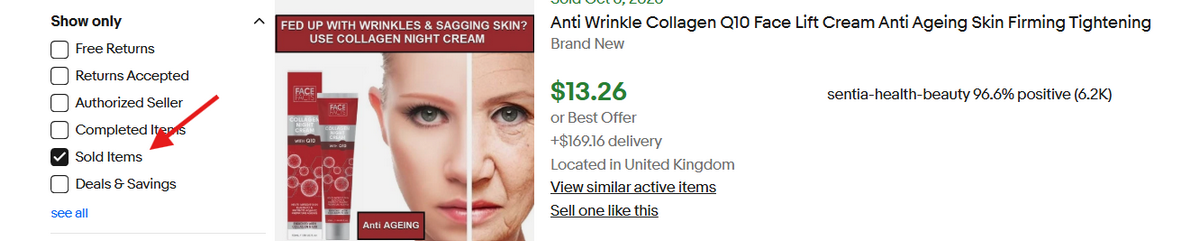
eBay doesn’t publish an official best-sellers list, but you can still see what buyers are purchasing. Search for a product or browse a category in your niche, then turn on the Sold items filter to see what actually sold and at what price. You can also check eBay’s trending section to spot popular searches.
Good for: Sparking product ideas and spotting popular subcategories.
💡 Pro Tip: Not sure what to search for? AutoDS’s Ads Spy tool shows top-performing ads on Facebook, Instagram, and TikTok. Use it to spot products that are getting attention, then check whether they actually sell on eBay with the Sold items filter.
3. Google Trends
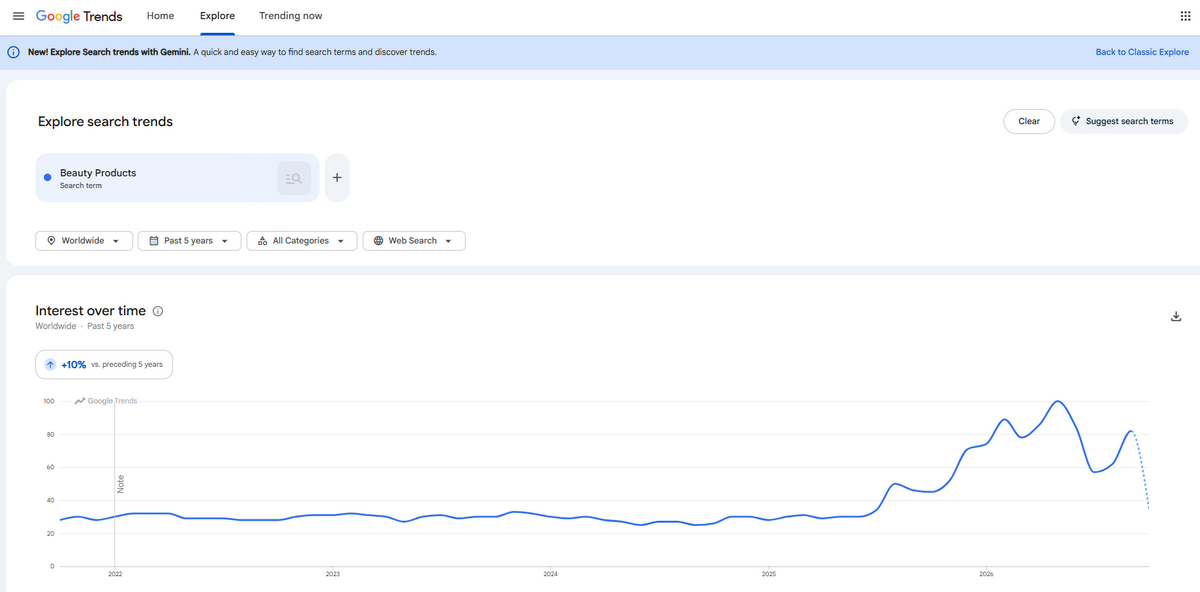
Google Trends shows how interest in a search term changes over time and across regions. You should enter a product keyword, set the time range to the past five years, and look at the curve. Is it steady, growing, or does it spike every winter? Comparing two or three keywords at once helps you choose between similar products.
Good for: Checking seasonality and long-term trajectory.
4. Competitor Store Analysis
Search for your product on eBay, open the profiles of top-rated sellers, and review their active listings, prices, and feedback. Look at how they write titles, which photos they use, how much they charge for shipping, and which products they list repeatedly. Sellers who keep the same items in stock for months often indicate that those products work.
Good for: Learning pricing, listing styles, and product mixes that work.
🔍 Research Tip: Combine at least two methods before choosing a product. For example, use Google Trends to check the curve, then confirm actual eBay sales in Terapeak.
Best eBay Product Research Tools
Tool Best for Starting Price Free option
ZIK Analytics Competitor and product research $19.9 1st month $1 trial
Terapeak Real eBay sales data Free with an eBay seller account Yes
KeywordTool.io Title and keyword optimization Free to use Free version
Algopix Cross-marketplace profit checks $29/ month Limited free plan
AutoDS Research plus sourcing, importing, and monitoring From $26.90 /month $1 trial
Manual methods are a great start, but they get slow once you’re evaluating dozens of products. The right tool saves time by putting sales data, competition, and profit estimates in one place. Each tool below covers a different part of the research process, so the best choice depends on what you need most.
1. Terapeak

This is the free starting point we covered in the manual methods above. It’s included here because it’s the benchmark the other tools are measured against: it shows real eBay sales data, but it stops there, with no sourcing or profit calculations from a supplier’s price.
- Pros: Free for eBay sellers, uses actual eBay sales data
- Cons: Doesn’t help you source products or estimate profit from a supplier’s price
Best for: Beginners who want a free, reliable starting point to confirm demand.
2. AutoDS
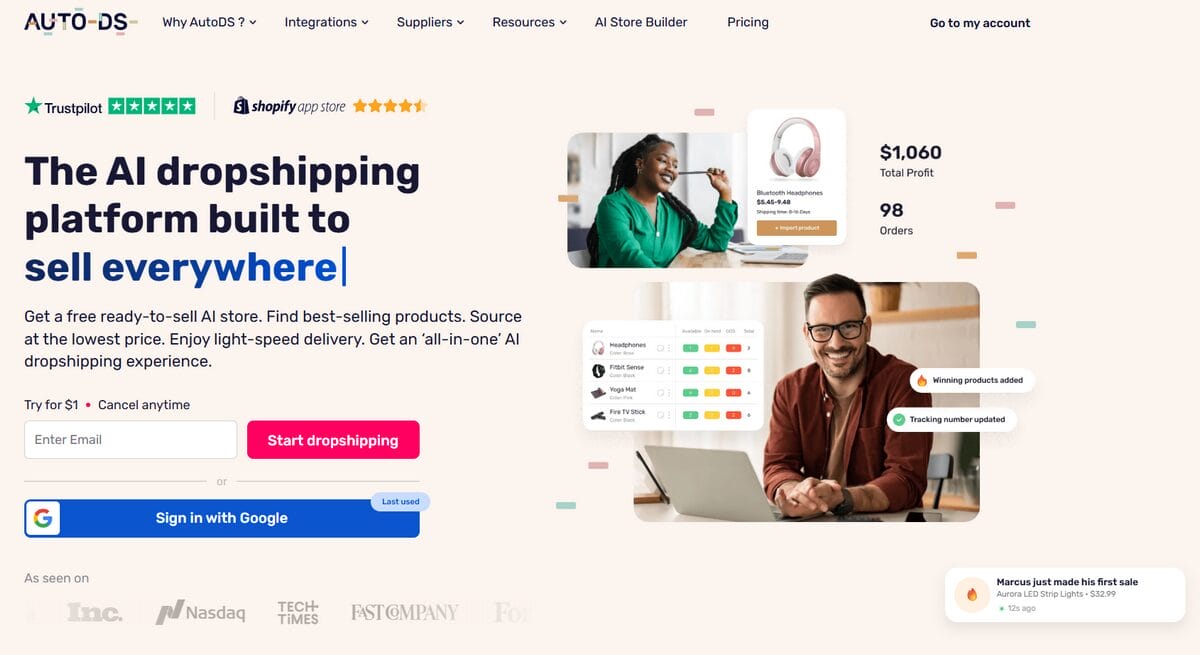
AutoDS is a complete eBay dropshipping automation platform that combines product research with the next steps. AutoDS connects research to sourcing, importing, price and stock monitoring, and order fulfillment, so you can go from a validated idea to a live listing in one place.
- Pros: Combines research with importing, pricing rules, and fulfillment, plus a free trial to test it
- Cons: It’s built for dropshipping, so it’s more than you need if you only want standalone market data
Best for: Dropshippers who want research and operations in a single workflow, not just data.
Ready to turn your research into eBay listings? Try AutoDS for $1. Find a product, check its margin, and import it to your store without leaving AutoDS.
3. ZIK Analytics
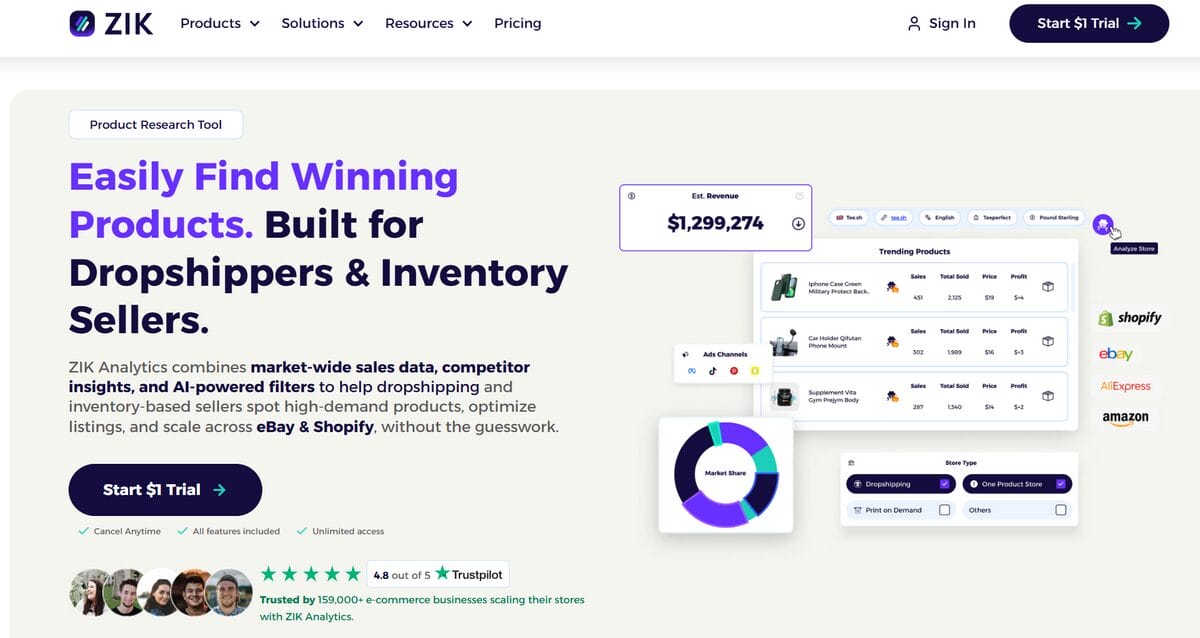
ZIK Analytics is a research platform for eBay sellers, with product research, competitor analysis, and sales estimates.
- Pros: Strong competitor and product research features
- Cons: No free plan, and you can’t import products to your store directly from the tool
Best for: Sellers who want to study top competitors and see what’s selling in specific niches.
4. Algopix
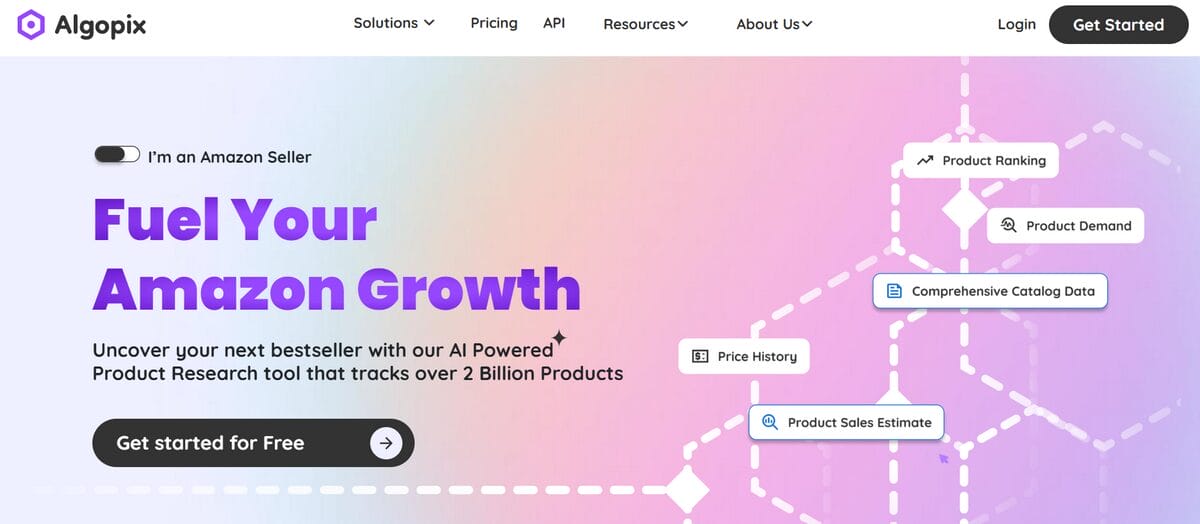
Algopix analyzes a product across multiple marketplaces and estimates fees and profitability.
Best for: Validating profit potential and comparing how a product performs on different platforms.
- Pros: Useful cross-marketplace profit validation, with a free plan available
- Cons: Focused on analysis, so you still need other tools to source and list
5. KeywordTool.io
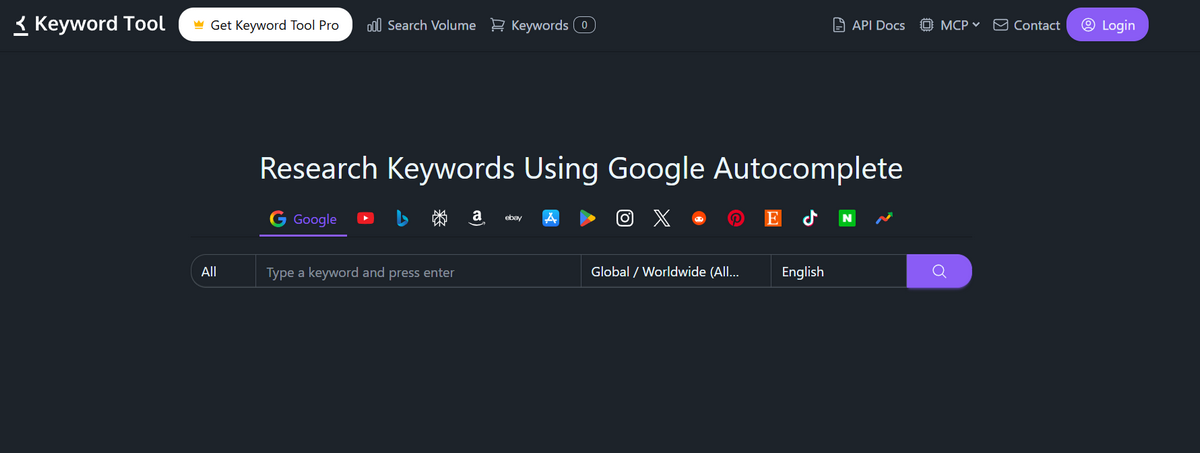
KeywordTool.io generates keyword ideas from search suggestions, which help with titles and descriptions.
Best for: Optimizing listing titles once you’ve chosen a product.
- Pros: Quick keyword ideas, with a free version available
- Cons: Doesn’t show sales, competition, or profit data, so it works best as a final step
💡 Pro Tip: You don’t need every tool. A common setup is Terapeak for demand, AutoDS for research and operations, and a keyword tool for titles. Start free, then add paid tools only when they save you more time than they cost.
A Step-by-Step eBay Product Research Workflow
Step 1: Check Demand on eBay
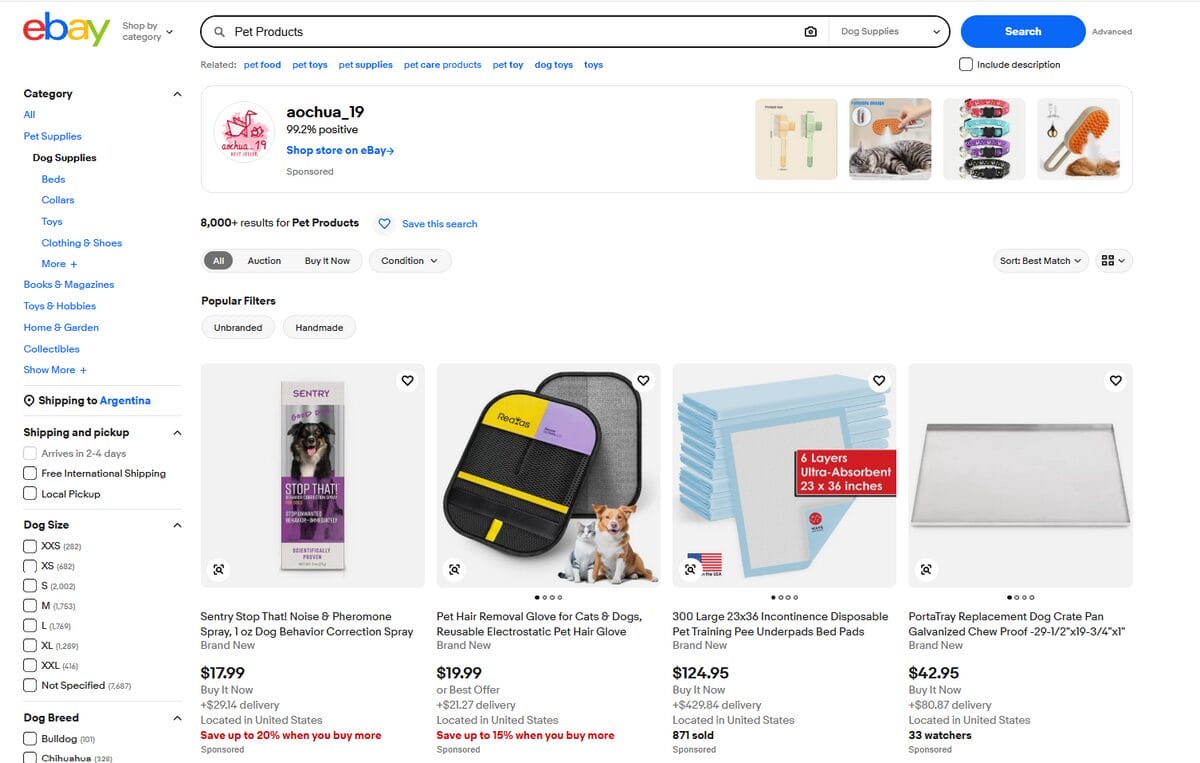
First, you need to confirm that eBay buyers are actually purchasing this type of product. A good place to start is Terapeak or eBay’s search results. Search for your product idea and look at sold listings, average sold prices, and sell-through rate. If you don’t have a product yet, browse the categories in your niche and note the items that recur.
Step 2: Check the Trend With Google Trends
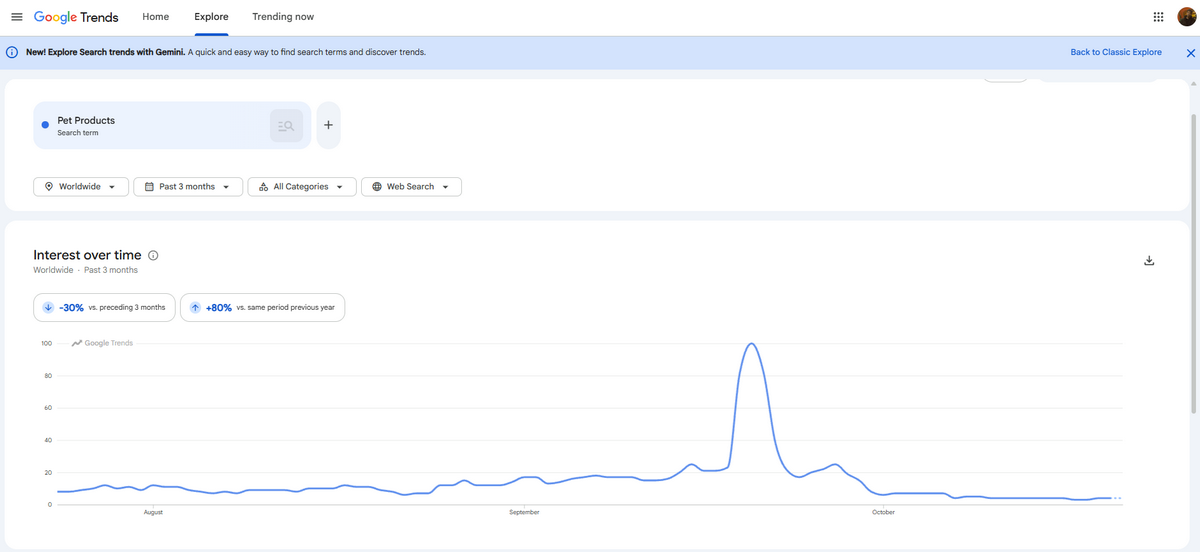
A spike in demand doesn’t guarantee you’ll be able to sell the same product for an entire quarter. That’s why you need to make sure demand is stable or growing, not a short spike or a fading trend.
To do this, head to Google Trends and set the range to the past five years. Look for a steady or rising curve. If the curve spikes at the same time each year, plan for seasonality, as it affects when to list and how much to invest.
Step 3: Analyze Competition and Margins With AutoDS
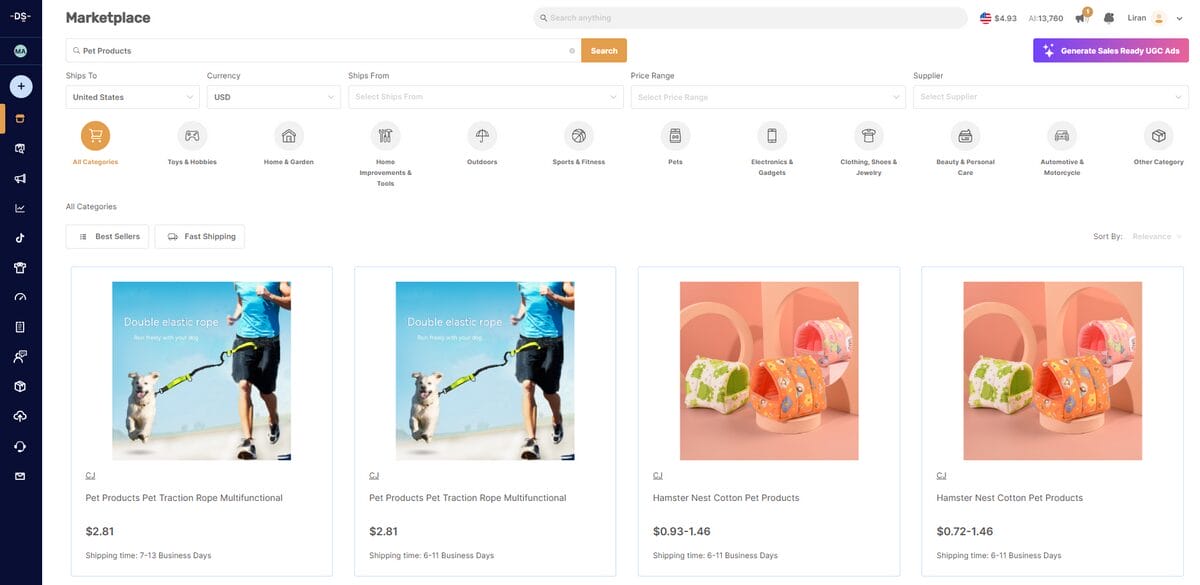
Now it’s time to do the math. Once you’ve checked demand, you need to find out how crowded the product is and whether the numbers leave room for profit.
For this, use AutoDS to search for the product, compare it with similar eBay listings, and view supplier pricing alongside competitors’ prices. Then estimate your margin after accounting for supplier costs, eBay fees, and shipping.
Doing this in the same place where you’ll later source and import the product saves you from jumping between tabs and spreadsheets.
Step 4: Check the Supplier Before You Commit
To wrap up this part of the process, don’t forget one of the most important aspects of any dropshipping business: the supplier. The supplier is the one who ships products to your customers, so they have a direct impact on your brand’s image.
Review the supplier’s ratings, shipping times, stock levels, and price history. A product that looks great on paper can still fail if the supplier is slow, runs out of stock, or raises prices. AutoDS tracks supplier price and stock changes, so you can see how stable a source is before listing.
📦 Supplier’s Tip: AutoDS gives you a list of private and supported suppliers, so you can choose from trusted options.
Validating a Product Before You List It
A product can pass every stage of research and still be a bad fit for eBay. Before you create a listing, run three eBay-specific checks that generic research guides often skip.
1. Profit Margin After eBay Fees
Make sure you still earn a profit after all costs are accounted for.
Start with your selling price and subtract the supplier cost, shipping, eBay’s final value fee, any per-order fee, payment processing costs, and promoted listing spend if you plan to use it. What’s left is your real profit. Many new sellers only compare the supplier’s price with the selling price and are surprised when fees eat most of the difference.
2. VeRO and Intellectual Property Risk
You should avoid listing products that could get your listings removed or your account restricted.
eBay’s Verified Rights Owner (VeRO) program lets brands and rights holders report listings that infringe their trademarks, copyrights, or designs. Before listing, check the product title, images, and description for brand names, logos, and protected characters. Be especially careful with branded items, replicas, and anything that mentions a famous brand “style” or “inspired by.”
AutoDS includes VeRO-protection scanning, which helps flag potentially risky products and keywords before you publish, so you can catch problems early. It’s still a good idea to review any branded item yourself.
3. Duplicate Listings and Saturation
Now you have to check that you’re not entering a market where you’d just be another identical listing. For that, search for the product on eBay and look at how many sellers offer the exact same item, often with the same photos and similar prices.
If dozens of listings look identical and compete only on price, it’s hard to stand out, and your margin can shrink fast. A better opportunity usually has steady demand and a manageable number of sellers, or room to differentiate through bundles, variations, or better titles and photos.
Frequently Asked Questions
What is the best way to do product research for eBay?
Combine free methods with a dedicated tool. Free sources are enough to validate the first steps, while the last are where a tool saves the most time. AutoDS handles those stages in one place by comparing supplier prices with competitor listings.
Is Terapeak free to use?
Yes, Terapeak is free for eBay sellers and available inside Seller Hub. It shows sold prices, sell-through rate, and sales volume for a keyword or product over a chosen period. Its limit is that it only shows eBay sales history, so you’ll need another source to find suppliers and calculate real profit.
How do I know if a product will sell on eBay before listing it?
Look for recent sales, a steady or growing trend, a manageable number of identical listings, and a profit that survives eBay’s fees and shipping. If any of these is weak, the product is a risky bet. Also, check that the title, images, and description don’t include protected brands, since a VeRO report can take a listing down even when demand is strong.
What tools help automate eBay product research?
AutoDS is the most complete option for dropshippers, because it automates the whole process from research to fulfillment, not just the data-gathering step. AutoDS lets you compare supplier prices with competitor listings on eBay, import the products you choose in a few clicks, and apply pricing rules to keep your margin protected. Once a product is live, AutoDS monitors supplier price and stock changes and scans for VeRO risks, so you don’t have to manually recheck each listing.
How is eBay product research different from Amazon or Shopify research?
On eBay, buyers search with specific keywords and compare prices quickly, so you need to measure demand and competition within eBay itself. Fees and the VeRO program also shape which products are worth listing. On Shopify, your own marketing drives traffic, so research tends to focus on audience and ad costs. On Amazon, you compete in a catalog where many sellers share one product page.
Can AutoDS help with both product research and eBay listings?
Yes. With AutoDS, you can find a product, import it to your eBay store, set pricing rules, and keep price and stock in sync after it goes live. That means you can validate a product and list it without copying data between tools.
Research Smarter, List Faster: Your eBay Product Research Plan
To recap, solid product research for eBay dropshipping should include confirming demand, checking trends, and analyzing your numbers and margins before you list. You can use a mix of free methods and paid tools to find the approach that works best for you.
What truly makes a difference in eBay dropshipping is automation. AutoDS connects product research with importing, pricing rules, and price and stock monitoring, so a product that passes your checks becomes a live listing without extra tools or spreadsheets.
Join the AutoDS $1 trial and join the many dropshippers who have already streamlined their businesses!
To keep exploring this and other topics, we suggest the following articles:







