


If you only have time to install three extensions, here’s the short answer: get the AutoDS Dropshipping Helper for importing and order automation, Alitools Shopping Assistant for seller and price-history research, and Ali Invoice FREE for clean order invoices. Those three cover sourcing, vetting, and bookkeeping: the three jobs that eat up the most time when you’re running an AliExpress dropshipping business.
But I’d be doing you a disservice if I stopped there, because the right stack really depends on how you operate. I’ve spent years testing browser extensions for AliExpress, and I’ve watched a bunch of once-great tools get buggy or quietly disappear after AliExpress tweaked its site code (RIP to a few favorites). So below, I’m only including extensions that are still active, still updated, and still worth your toolbar space in 2026.
I’ll also give you the real numbers (pricing, ratings, install counts) so you’re not just taking my word for it.
Quick Comparison: Best AliExpress Chrome Extensions
Here’s the full lineup at a glance. Ratings and install counts are pulled from the Chrome Web Store and reflect the kind of volume and reliability you can expect.
| Extension | Price | Best For | Key Features | Chrome Web Store Rating |
|---|---|---|---|---|
| AutoDS Dropshipping Helper | Free (paid AutoDS plans from $9.90/mo for full automation) | One-click importing & order automation | Multi-supplier search, bulk CSV export, address copier, draft/publish import | 4.1/5 |
| Alitools Shopping Assistant | Free | Seller & price research | Price history (3–6 months), seller verification, search-by-image, coupon auto-apply | 4.5/5 |
| Ali Invoice FREE | Free (Standard upgrade available) | Order invoicing | One-click PDF invoice generation, custom branding, order list export | 4.4/5 |
| AliSave | Free | Bulk image/video downloads | One-click media saving, works on any product listing, no right-click needed | 4.2/5 |
| Aliexpress Search By Image | Free | Reverse image product search | Right-click search from any website, redirects to matching AliExpress listings | 4.0/5 |
| Up Assistant | Free | Seller rating checks | Seller score overlay, price-drop notifications, wishlist tracking | 4.48/5 |
| AliExpress Parcels – My Orders | Free | Order & parcel tracking | Multi-source tracking links, saved order list, quick AliExpress navigation | 4.7/5 |
| AliExpress Shopping and Cashback | Free | Cashback on purchases | Price comparison, 90-day price trend, 4% cashback commission, referral rebates | 4.6/5 |
| ShopifyHunt | Free | Competitor research | Shopify store parser, exports product titles/descriptions/pricing to CSV | Not separately rated on CWS |
Why You Need AliExpress Chrome Extensions In The First Place
AliExpress is one of the biggest dropshipping-friendly marketplaces on the planet, and that’s exactly the problem. With over 111 million products listed across more than 5,900 categories, according to a 2026 AliExpress data report, manually researching sellers, tracking prices, and processing orders one tab at a time just isn’t realistic if you want to scale.
That’s why I treat Chrome extensions as connective tissue between AliExpress and the rest of my AliExpress dropshipping workflow. They sit quietly in your browser and surface the data (seller ratings, price history, tracking numbers) that AliExpress’s native interface doesn’t make easy to find.
🔍 Research Tip: Before trusting any seller-rating extension, cross-check its score against the seller’s actual storefront reviews and “Top Brand” or “Choice” badges on AliExpress itself. Extensions estimate trust; AliExpress badges confirm it.
9 Must-Have AliExpress Chrome Extensions
AutoDS Helper Extension
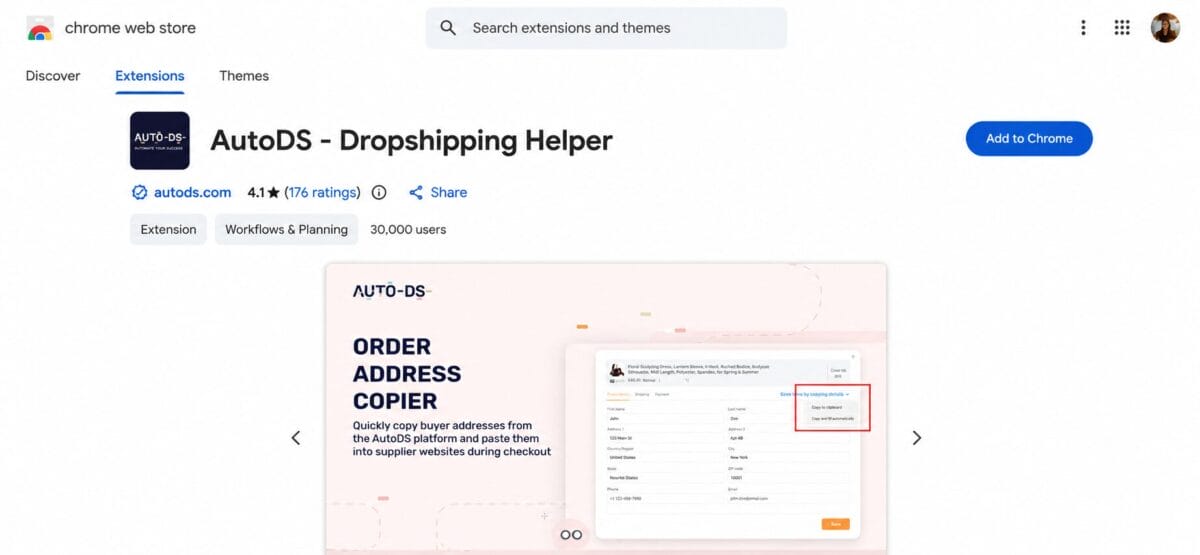
I use AutoDS Helper Extension daily because it’s the only one on this list that connects directly to a full automation system rather than just collecting data. Open a category page on AliExpress, click the AutoDS icon, hit “extract,” and you’ll get every item ID on the page ready for bulk upload.
- Price: Free to install; AutoDS subscription plans (used for full automation) start around $9.90/month
- Chrome Web Store rating: Hovers around 4.0/5 depending on the review snapshot
- Platform compatibility: AliExpress, Amazon, Walmart, eBay, CJ Dropshipping, and 20+ other suppliers
- Core features: Multi-supplier product search, bulk item extraction to CSV, one-click order address copier, draft or direct-publish importing to Shopify, eBay, and other stores
To use it: open a search results page on AliExpress for your niche, click the AutoDS circle in the bottom right, then “Extract.” Export the results as a CSV, head into AutoDS, go to Add Products → Upload CSV, set your supplier to AliExpress, choose your shipping region, and make sure Upload Variations is checked in advanced options.
💡 Pro Tip: If you’re juggling multiple stores, set up separate Chrome profiles for each one. It keeps your AutoDS Helper sessions from mixing up which store you’re importing to — a mistake I made more than once early on.
What sets the AutoDS extension apart from competitor tools is that it’s not standalone software — it’s the front door to an entire automation backend covering price monitoring, stock syncing, and order fulfillment, which none of the other extensions on this list attempt to do.
Alitools Shopping Assistant
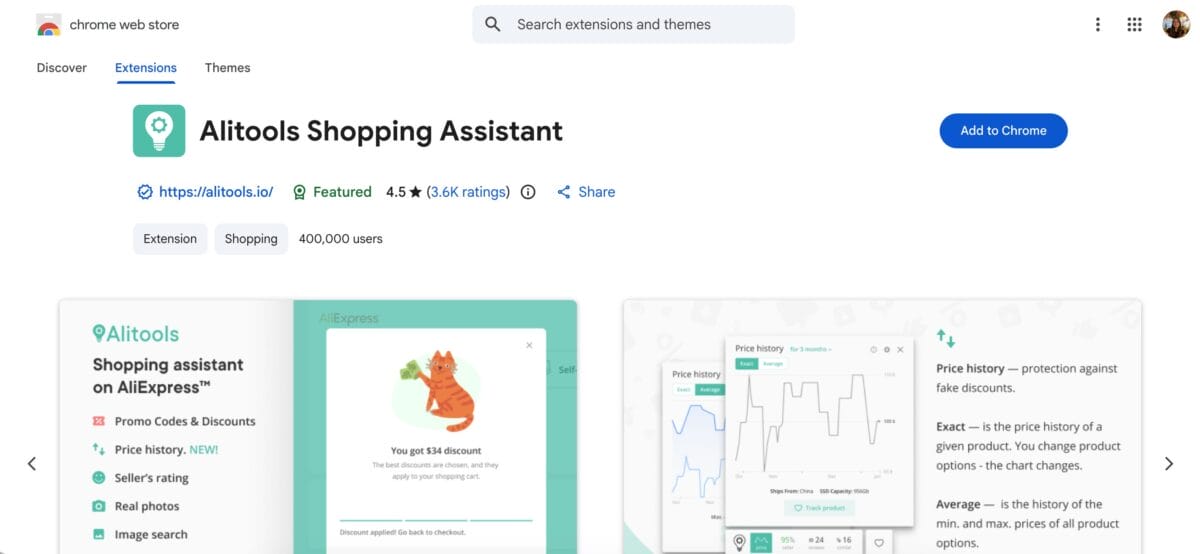
Alitools is the closest thing to a due diligence checklist built into your browser. Open any product listing and scroll below the buy buttons: you’ll see price trends, seller trust scores, and a breakdown of similar listings from other sellers, which is genuinely useful for spotting inflated “sale” prices before big shopping events.
- Price: Free
- Chrome Web Store rating: 4.5/5 from roughly 400,000+ active users
- Platform compatibility: AliExpress and Alibaba
- Core features: 3–6 month price history charts, automatic seller verification, search-by-image, auto-applied promo codes, parcel tracking
Ali Invoice FREE
Whether you need invoices for bookkeeping, customs, or just sanity when reconciling hundreds of orders a month, this solves a problem AliExpress’s native order page doesn’t: a clean, printable record. Install it, head to your My Orders page, and you’ll see a Download PDF Invoice button appear directly inside your order details.
- Price: Free (paid “Standard” version adds templates and bulk export)
- Chrome Web Store rating: 4.4/5
- Platform compatibility: AliExpress
- Core features: One-click PDF invoice generation, customizable company branding, bulk invoice creation for multiple orders
💰 Financial Tip: Save every invoice to a dated folder (by month) as you go. When tax season hits, you’ll thank yourself instead of scrambling through hundreds of AliExpress order pages.
AliSave
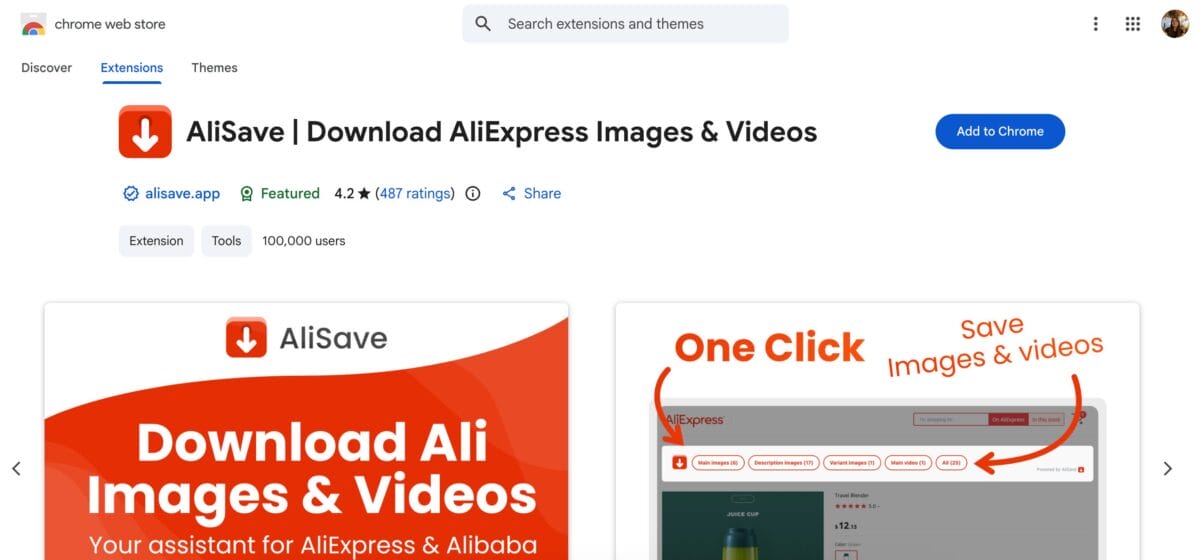
AliExpress disables right-clicking on most product images, which makes grabbing listing photos annoyingly manual. AliSave fixes that with a small download icon that appears directly over images and videos on any product page.
- Price: Free
- Chrome Web Store rating: 4.2/5 from 100,000+ users
- Platform compatibility: AliExpress
- Core features: One-click image and video downloads from any product listing, no right-click required
Aliexpress Search By Image
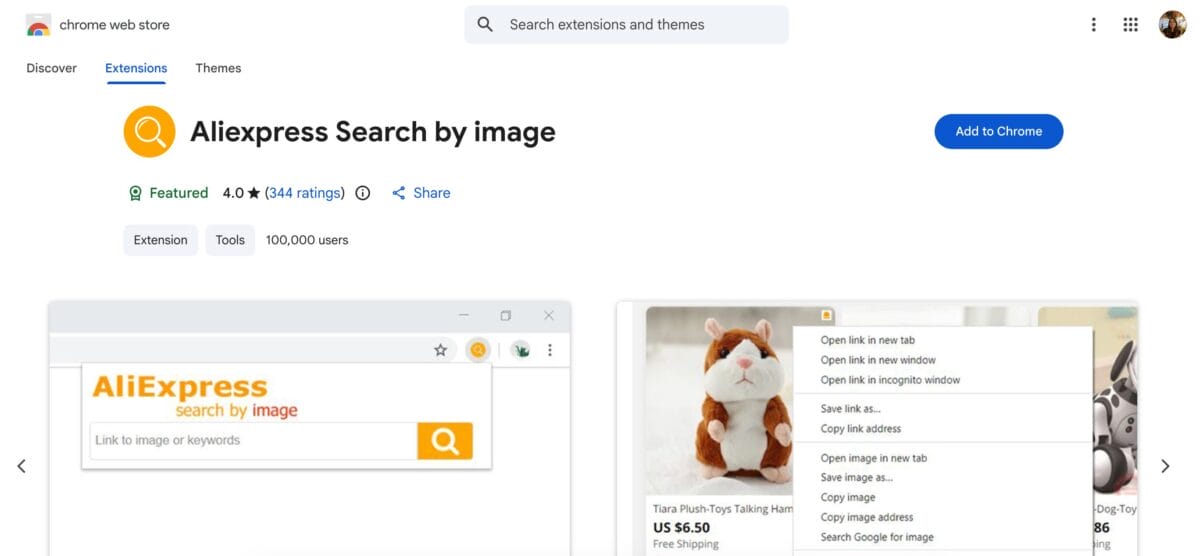
This one’s a product-research shortcut: spot a winning product on Amazon, TikTok, or a competitor’s Shopify store, right-click the image, and select “Search AliExpress By Image.” You’ll often find the same item (or a cheaper near-identical version) from multiple sellers in seconds.
- Price: Free
- Chrome Web Store rating: 4.0/5 from 200,000+ users
- Platform compatibility: Works from any website, not just AliExpress
- Core features: Right-click reverse image search, redirects to matching or similar AliExpress listings
Up Assistant
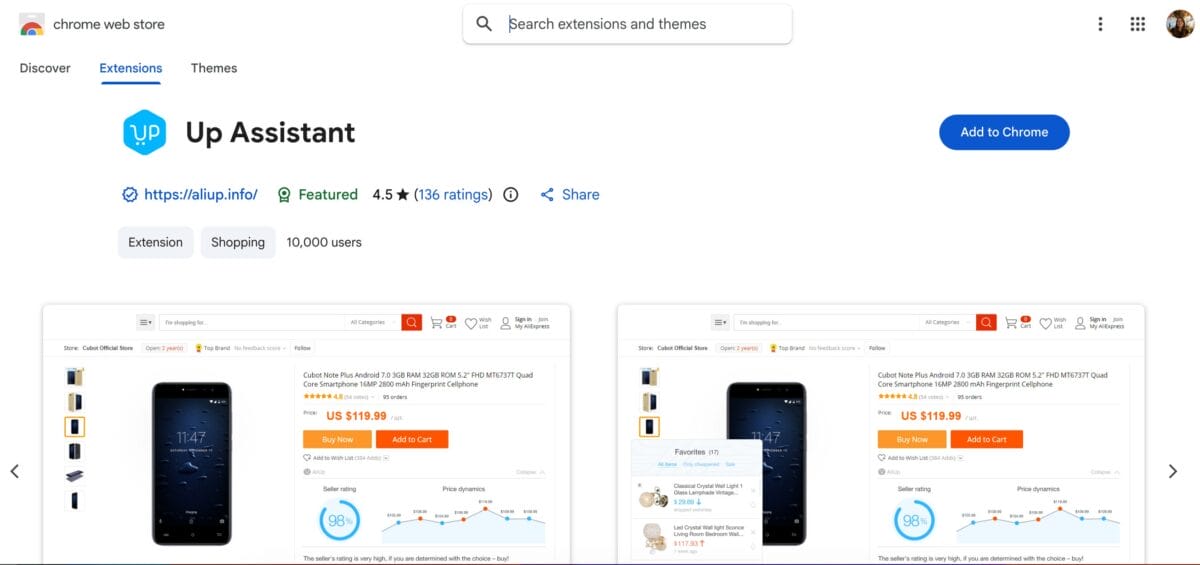
Up Assistant overlays a trust percentage directly on AliExpress search thumbnails, calculated from reviews, ratings, and price stability. It’s a fast filter when you’re scanning fifty listings and want to skip the sketchy sellers before you even click in.
- Price: Free
- Chrome Web Store rating: 4.48/5 from roughly 20,000 users
- Platform compatibility: AliExpress and AliExpress.us
- Core features: Seller score overlay on search thumbnails, price-drop notifications, wishlist tracking, similar-product lookup
AliExpress Parcels – My Orders
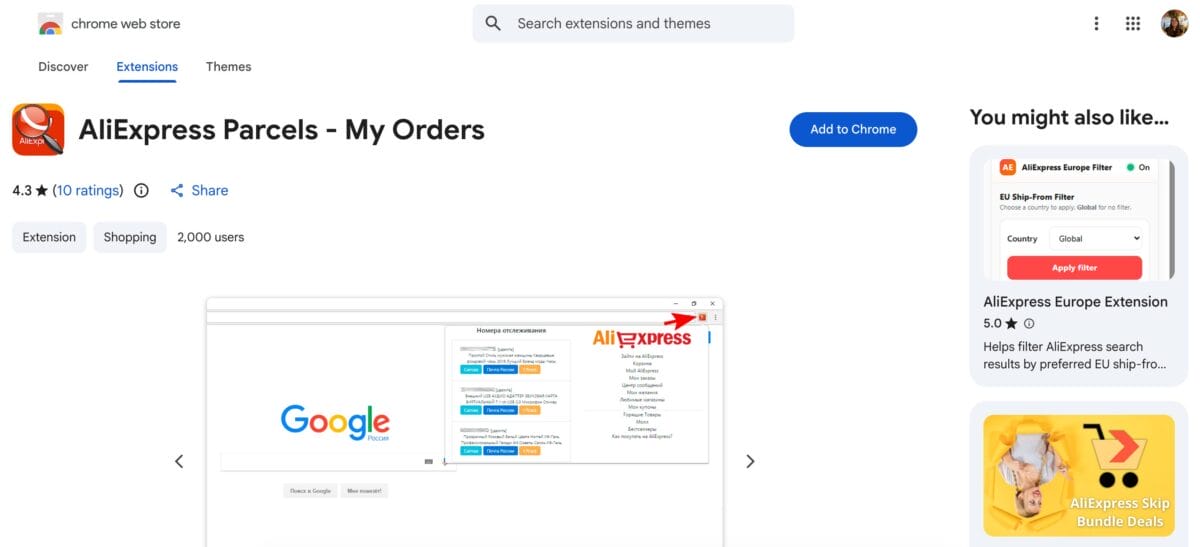
Checking delivery status the native way means digging through order details one at a time — brutal once you’re past a handful of daily orders. This extension lets you add a tracking number once, then check its status from the extension menu going forward across multiple tracking sources at once.
- Price: Free
- Chrome Web Store rating: 4.7/5
- Platform compatibility: AliExpress
- Core features: Saved tracking list, multi-source delivery status lookups, quick AliExpress menu navigation
AliExpress Shopping and Cashback
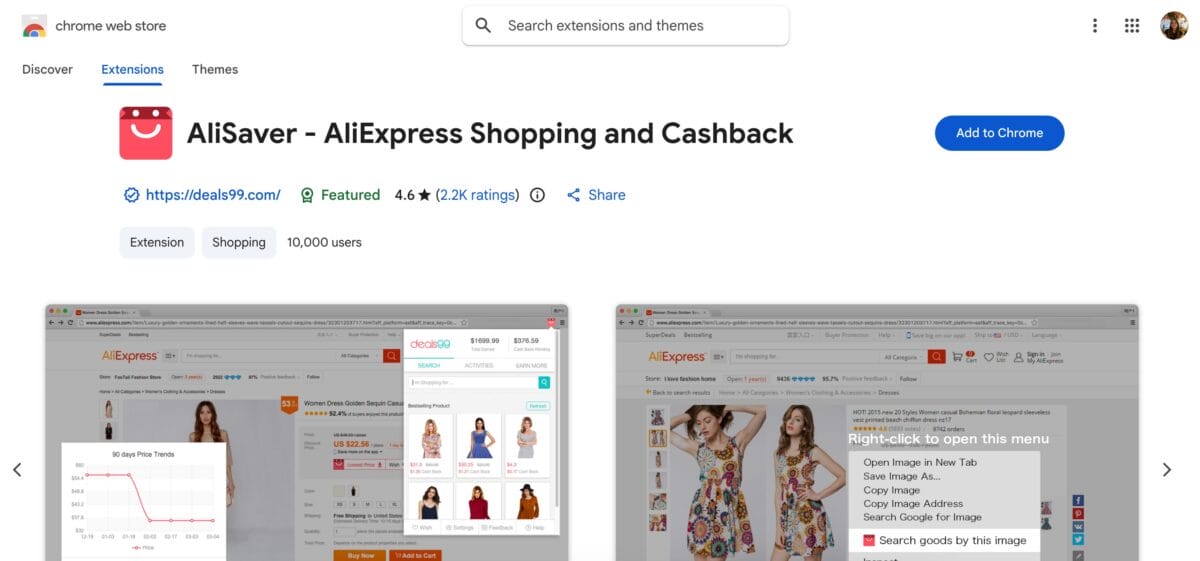
If you’re placing manual orders regularly, the cashback adds up. This extension tracks price history, lets you wishlist items, and pays out a commission on qualifying purchases: redeemable as cash, bank transfer, or gift cards.
- Price: Free
- Chrome Web Store rating: Roughly 4.3/5 from around 10,000+ users
- Platform compatibility: AliExpress
- Core features: Price comparison, 90-day price trend tracking, cashback on purchases, referral rebates
📢 Marketing Tip: Cashback isn’t a margin strategy, it’s a small bonus. Don’t let it influence which supplier you pick. Seller reliability and shipping time should always outrank a few percentage points back.
ShopifyHunt
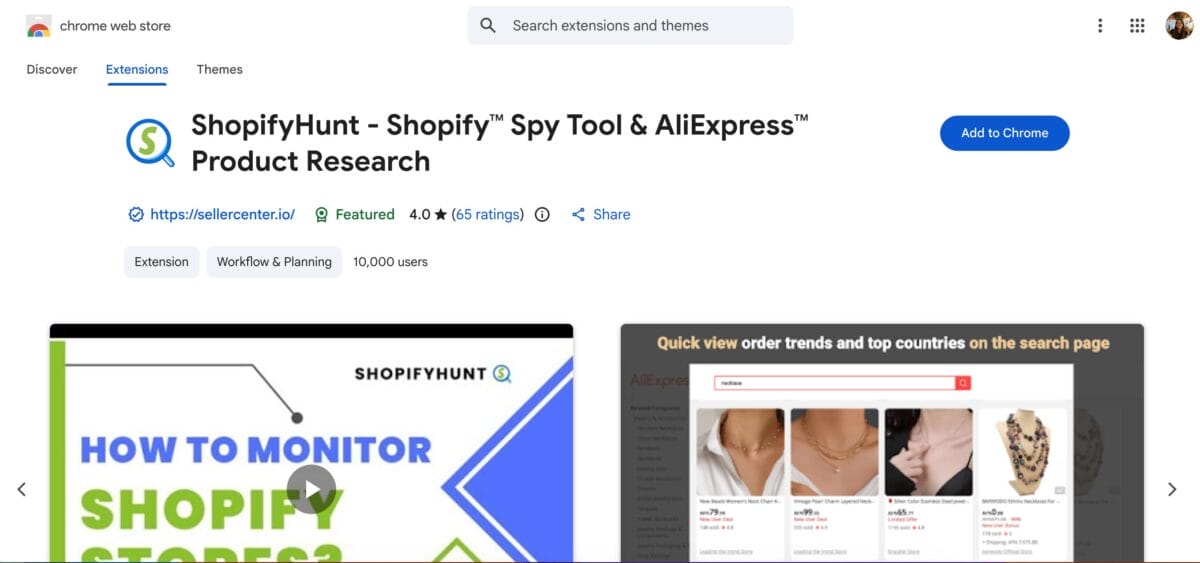
This isn’t an AliExpress extension exactly, but it pairs well with one: it lets you study what’s working for other Shopify dropshippers and export their product data for your own research before sourcing similar items on AliExpress.
- Price: Free
- Chrome Web Store rating: Not separately listed on the Chrome Web Store
- Platform compatibility: Shopify stores (used alongside AliExpress sourcing)
- Core features: Shopify store parser, exports competitor product data (titles, descriptions, pricing) to CSV or Excel
🆕 Beginner’s Tip: Don’t copy a competitor’s listing word-for-word. Use ShopifyHunt’s exports for inspiration on structure and pricing, then write your own descriptions; duplicate content can hurt your store’s SEO.
How To Choose The Right Extensions For Your Workflow
You don’t need all nine running at once. That’s a recipe for a sluggish browser and conflicting permissions. Instead, think about which stage of your workflow needs the most help:
- If you’re stuck on manual importing: start with the AutoDS Dropshipping Helper, since it’s the only one that connects to full automation.
- If you’re worried about bad sellers: pair Alitools or Up Assistant with your product research routine.
- If bookkeeping is a mess: Ali Invoice FREE alone will save you hours per month.
- If customer support tickets about “where’s my order” pile up: AliExpress Parcels – My Orders keeps tracking centralized.
Honestly, most successful dropshippers I know run two or three of these max, plus a full platform like AutoDS handling the heavy lifting behind the scenes.
Frequently Asked Questions
Are AliExpress Chrome extensions safe to use?
Most reputable AliExpress extensions are safe, but they do request permissions to read and modify data on AliExpress pages, which is normal for the functionality they provide. Stick to extensions with high install counts, recent updates, and transparent privacy policies, and avoid anything asking for unrelated permissions like full browsing history access.
Do I need to pay for AliExpress Chrome extensions?
No, every extension on this list is free to install. Some, like AutoDS and Ali Invoice, offer optional paid upgrades for advanced automation or templates, but their core features work without a subscription.
Can I use multiple AliExpress extensions at the same time?
Yes, but I’d recommend limiting yourself to two or three active extensions to avoid conflicts and keep your browser running smoothly. Disable ones you’re not actively using rather than uninstalling, so you can switch them back on when needed.
Which AliExpress extension is best for beginners?
If you’re just starting out, the AutoDS Dropshipping Helper is the best first install since it handles both product research and importing in one tool, and it scales with you as you move from manual fulfillment to full automation.
Will AliExpress extensions slow down my browser?
Running too many at once can, especially ones that inject scripts on every page you visit. Keep your extension count lean, and periodically check Chrome’s task manager if your browser feels sluggish.
Conclusion
AliExpress Chrome extensions aren’t optional anymore if you’re serious about scaling. They’re the difference between manually clicking through hundreds of listings and having the data you need surface automatically. Start with one extension that solves your biggest current bottleneck, get comfortable with it, then add from there.
If importing and order automation are eating your time, that’s exactly the gap AutoDS was built to close, with the Chrome extension as just the entry point into a full system that handles sourcing, pricing, and fulfillment for you.
If you’re building out your dropshipping toolkit further, these are worth a read next:







