Choosing the wrong WordPress eCommerce theme can tank your store’s speed, hurt your search rankings, and cost you sales before you even list your first product. Whether you’re launching your first WooCommerce store or upgrading an existing one, your theme shapes everything from page speed to checkout conversions.
WooCommerce is the most popular free plugin that turns a WordPress site into a fully functional online store. With thousands of themes available, most beginners waste hours comparing options that look great in demos but fall apart under real store conditions.
We tested dozens of the best WordPress eCommerce themes for WooCommerce dropshipping to find the six that actually deliver on speed, WooCommerce compatibility, customization, and price in 2026.
The best WordPress eCommerce themes strike a balance between speed, WooCommerce compatibility, and mobile responsiveness.
Lightweight themes like Astra, Kadence, and GeneratePress score highest on Core Web Vitals.
Free themes work for validating your niche, but premium options unlock checkout optimization and advanced layouts.
Your theme directly affects SEO rankings because Google uses page speed and mobile-friendliness as ranking signals.
AutoDS works with any WooCommerce-compatible theme, so prioritize performance first and let automation handle operations.
The Best WooCommerce Themes Comparison Table
Before diving into the details, here’s a side-by-side view of all six themes so you can compare them at a glance.
Theme | Best For | Price | WooCommerce Features | Speed Score | Page Builder |
Astra | Speed & flexibility | Free / Pro varies | Product grids, checkout customization (Pro) | Excellent | Elementor, Gutenberg, Beaver Builder |
Kadence | Best free WooCommerce theme | Free / $69/yr | Product gallery, cart widget, checkout layouts | Excellent | Gutenberg (native) |
Blocksy | Modern store design | Free / $69/yr | Quick view, wishlist, floating cart | Very Good | Gutenberg (native) |
GeneratePress | Maximum performance | Free / $59/yr | Basic WooCommerce support | Outstanding | Gutenberg, Elementor |
Flatsome | Product-heavy stores | $59 one-time | Advanced layouts, lookbooks, catalogs | Good | Built-in UX Builder |
Storefront | WooCommerce beginners | Free | Full compatibility, basic styling | Good | Gutenberg |
How We Chose These WordPress Themes
Hundreds of WordPress themes claim to be “e-commerce ready,” so narrowing this list required clear criteria. Every theme here was evaluated on three factors:
- Core Web Vitals performance on a clean install with WooCommerce active.
- The depth of built-in WooCommerce features (product grids, checkout templates, cart styling)
- How quickly can a beginner launch a functional store without writing code.
We also tested each theme’s compatibility with common WooCommerce extensions, including payment gateways, shipping calculators, and automation tools like AutoDS, an all-in-one dropshipping platform that automates product sourcing, pricing, and order fulfillment.
What Makes a Good WordPress eCommerce Theme
Three factors separate a good eCommerce theme from one that looks nice but underperforms.
Speed & Core Web Vitals Performance
Google measures your site’s user experience through three Core Web Vitals metrics:
- Largest Contentful Paint (LCP) under 2.5 seconds
- Interaction to Next Paint (INP) under 200 milliseconds
- Cumulative Layout Shift (CLS) below 0.1
Why does this matter? Slow-loading stores frustrate shoppers, increase bounce rates, and can hurt search visibility, especially if you’re relying on organic traffic or paid ads.
One of the most common performance issues in new stores is theme bloat. Heavy sliders, unused CSS files, and excessive JavaScript add weight that slows every page. When your traffic comes from paid ads, every extra second of load time means higher bounce rates and wasted ad spend.
In many cases, switching from a bloated theme to a lightweight alternative can noticeably improve page speed and user experience.
WooCommerce Compatibility
A general WordPress theme and a WooCommerce-optimized theme are not the same thing.
WooCommerce-specific themes include built-in product grids, cart styling, checkout templates, and product archive controls. Without these, you’re stacking plugins on top of a theme that wasn’t designed for selling.
Compatibility also extends to WooCommerce extensions. Your theme needs to work with payment gateways, shipping calculators, and automation tools, such as the AutoDS WooCommerce integration.
🆕 Beginner’s Tip: If you plan to automate product imports and order fulfillment through WooCommerce, verify that your theme doesn’t conflict with the plugins your workflow depends on.
Customization Without Code
WordPress is moving toward block-based editing through the Full Site Editor and Gutenberg. Themes built around blocks give you more flexibility long-term than those locked into classic widget areas. That said, page builder compatibility still matters.
Elementor and Gutenberg remain the two most popular options for beginners who want to customize layouts without touching code.
Starter templates and one-click demo imports let you launch a professional-looking store in hours instead of days. If you’re new to WordPress, this feature alone can save you from hiring a developer for your initial setup. The best themes in this list offer both block-based editing and page builder support.
Best WordPress E-commerce Themes for Dropshipping Stores
Here are six themes that consistently perform well for WooCommerce dropshipping stores. If you’re already, these picks will help you level up your storefront.
1. Astra: Best Overall for Speed & Flexibility
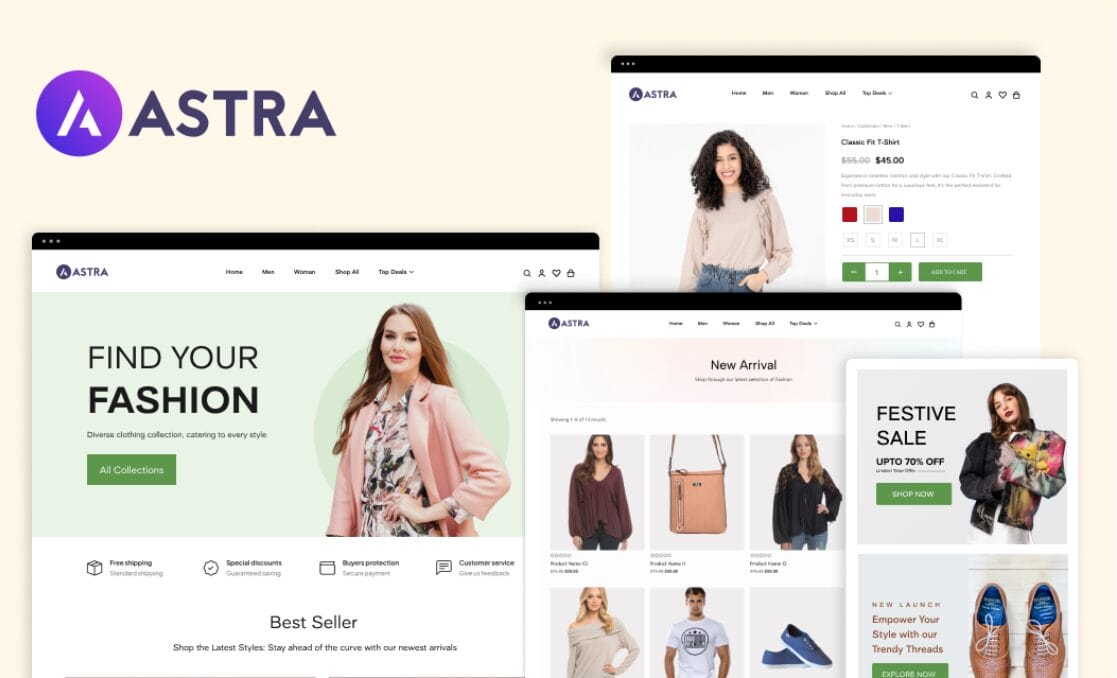
Astra offers one of the strongest combinations of speed and features for dropshipping stores. Its frontend footprint is under 50KB, which contributes to consistently fast LCP scores among popular WooCommerce themes. With over 145 starter templates, including WooCommerce-specific designs, you can launch a store quickly without building pages from scratch.
The free version is genuinely usable for a new store. You get WooCommerce integration, basic customization, and solid performance. The Pro version adds checkout customization, advanced header and footer controls, and deeper WooCommerce styling options. Astra works with Elementor, Beaver Builder, and Gutenberg, so you’re not locked into one page builder.
For dropshipping specifically, Astra’s lightweight build means your ad-driven traffic hits a fast page.
Pair Astra with AutoDS through its 1$ trial for automated product imports and order fulfillment, and you have a store that runs efficiently from click to delivery.
Key Features of Astra:
- Under 50KB frontend footprint with no jQuery dependency
- 145+ starter templates including WooCommerce store designs
- Header and footer builder with mobile-specific header options
- Compatible with Elementor, Beaver Builder, and Gutenberg
- WooCommerce checkout customization and off-canvas sidebar (Pro)
💫 Best For: Dropshippers who want a fast, flexible theme that works with any page builder. Astra suits beginners who need starter templates and experienced sellers who want granular design control without sacrificing speed.
Price: Free / Pro plans available (pricing varies by bundle)
2. Kadence: Best Free Theme for WooCommerce Stores
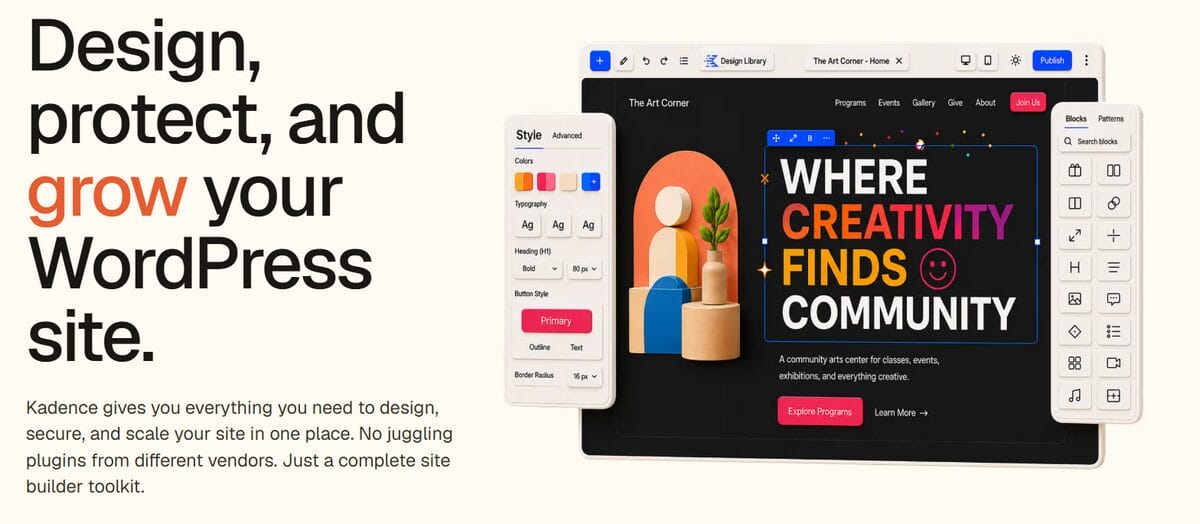
Kadence is one of the strongest free WooCommerce themes available right now. It’s block-based and built for Gutenberg, which aligns with WordPress direction. The header and footer builder comes included in the free version, a feature most competitors reserve for paid tiers.
WooCommerce integration is thorough. You get product gallery styles, a cart widget, and checkout layout options without installing additional plugins. Core Web Vitals scores are strong out of the box, which means less optimization work after installation.
We recommend Kadence to beginners exploring WooCommerce dropshipping who want design flexibility without paying for a premium theme on day one. You can always upgrade to Kadence Pro later when your store’s revenue supports the investment.
Key Features of Kadence:
- Header and footer builder included in the free version
- 80+ free and premium starter templates for Gutenberg
- 21 free Kadence Blocks with responsive controls
- Built-in product gallery styles, cart widget, and checkout layouts
- Global color and typography system with per-page layout controls
💫 Best For: Budget-conscious beginners who want strong design flexibility without a premium subscription. Kadence is ideal for sellers validating a niche who need a professional-looking store from day one.
Price: Free / Express from $69/yr
3. Blocksy: Best for Modern Store Design
If visual design matters to your niche, Blocksy offers one of the most polished modern looks among free WooCommerce themes. It’s Gutenberg-native with strong visual customization tools that don’t require code.
Blocksy stands out with WooCommerce-specific features that many free themes lack: product quick view, wishlist functionality, and a floating cart. These features enhance the shopping experience without requiring additional plugins. Despite the rich feature set, performance stays competitive with lighter themes.
Blocksy is a strong choice for fashion, lifestyle, and home goods niches where product presentation drives conversions. If your store relies on visual appeal to sell products, Blocksy gives you tools that other free themes charge a premium for.
Key Features of Blocksy:
- Product quick view, wishlist, and floating cart built in
- Header and footer builder with drag-and-drop elements
- Webpack code splitting loads JavaScript only when needed
- Compatible with Gutenberg, Elementor, Beaver Builder, and Brizy
- One-click starter site importer with WooCommerce templates
💫 Best For: Sellers in visually driven niches like fashion, home decor, or lifestyle products who need a modern storefront design without hiring a developer.
Price: Free / Pro from $69/yr
4. GeneratePress: Best for Performance Purists
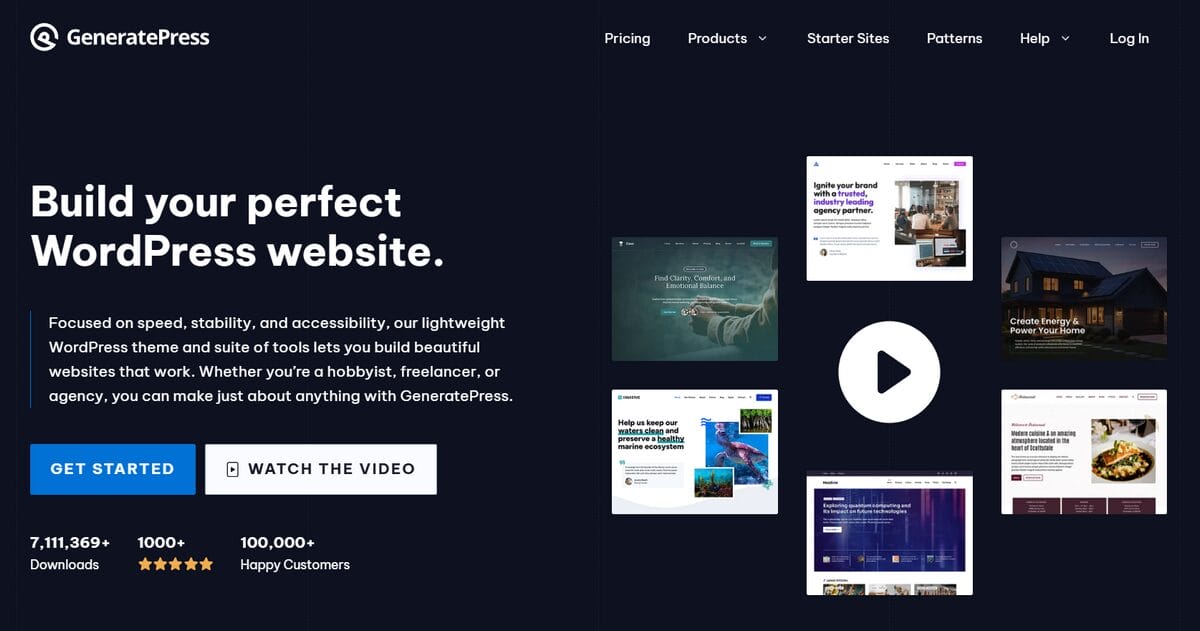
GeneratePress is among the fastest themes on this list. Its core CSS and JS weigh around 7KB combined, producing some of the best raw load times you’ll find. If page speed is your top priority and you’re comfortable with a bit more manual setup, GeneratePress won’t disappoint.
The trade-off is usability. GeneratePress is less plug-and-play than Astra or Kadence. You’ll spend more time manually configuring layouts, and the starter template library is smaller (about 90 sites). The WooCommerce module in the Premium plan lets you style product pages and archives, but the options are less visually appealing than those in Kadence or Blocksy. We recommend it for users with some WordPress experience or willing to invest time in learning the customizer.
Key Features of GeneratePress:
- Core theme files total approximately 7KB (CSS + JS combined)
- Modular architecture — enable only the features you need
- No jQuery dependency and no render-blocking scripts
- Dynamic CSS generation that caches and minifies automatically
- Elements system for custom hooks, headers, and layouts without a child theme
💫 Best For: Technically comfortable sellers who prioritize raw page speed above all else. GeneratePress suits users who want a minimal foundation and are willing to configure layouts manually for maximum performance.
Price: Free / Premium $59/yr
5. Flatsome: Best Premium Theme for Product-Heavy Stores
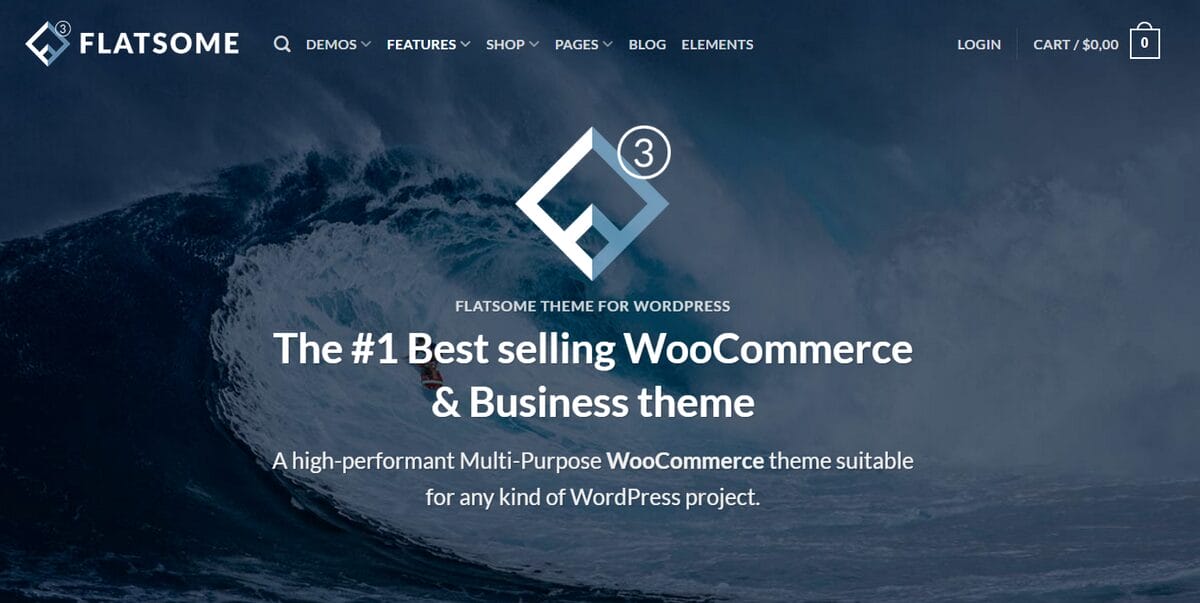
Flatsome takes a different approach than the themes above. It includes a built-in UX Builder, so you don’t need Elementor or any external page builder. The entire theme was designed from the ground up for WooCommerce.
Advanced product page layouts, lookbook features, and catalog display options make Flatsome a top choice for stores with large product catalogs. If you’re in a fashion, home decor, or lifestyle niche with hundreds of products, Flatsome gives you layout tools that are hard to match without heavy plugin stacking.
The one-time pricing model is appealing if you want to avoid annual subscriptions. You pay once and receive lifetime updates, which makes Flatsome one of the more cost-effective premium themes over a two-year horizon. The trade-off is that you’re locked into the UX Builder for page construction, so switching themes later means rebuilding layouts from scratch.
Key Features of Flatsome:
- Built-in UX Builder with drag-and-drop page design
- Header designer with multiple layout presets
- Catalog mode option to hide cart and checkout functionality
- WPML-ready with included .po language files
- Lifetime updates included with one-time purchase
💫 Best For: Established sellers with large catalogs who need advanced product layouts, lookbook features, and a built-in page builder without relying on third-party plugins. Ideal for fashion, home goods, and multi-category stores.
Price: $59 one-time (ThemeForest)
6. Storefront: Best for WooCommerce Beginners
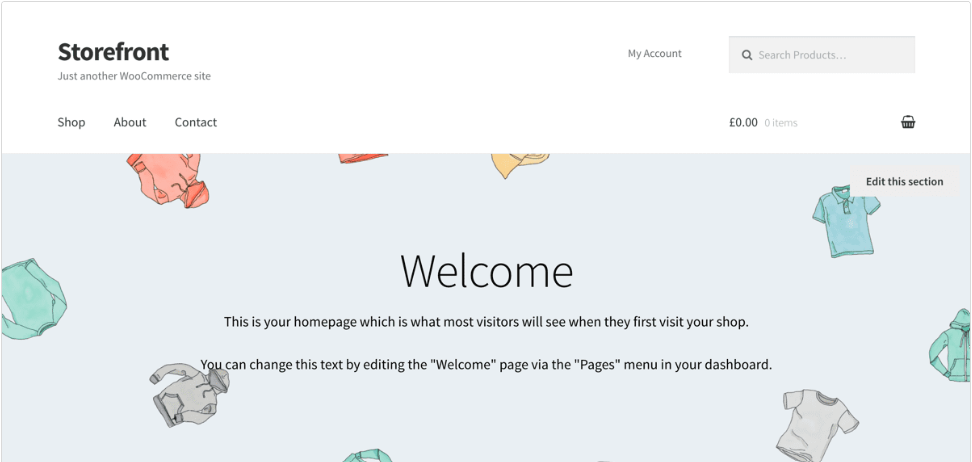
Storefront is the official WooCommerce theme, built and maintained by the WooCommerce team. Compatibility is rarely a concern because every WooCommerce extension is tested against Storefront first.
The design is simple and clean. There’s a minimal learning curve, and the theme works out of the box. For someone starting a dropshipping business, Storefront removes one variable from the equation. You know it works, and you can focus on listing products and driving traffic instead of troubleshooting theme conflicts.
The limitation is customization. Without a child theme or additional extensions, design options are basic. Header and footer layouts are fixed, and product page styling is minimal compared to Kadence or Blocksy. Storefront works best as a starting point while you learn WooCommerce. Once your store earns revenue and you need a more distinct visual identity, you can switch to a theme with deeper design controls.
Key Features of Storefront:
- Built and maintained by the WooCommerce core development team
- Responsive grid system based on the Underscores starter theme
- Library of child themes for quick visual customization
- Extensible via Storefront Extensions Bundle for added styling
- Deep integration tested against all official WooCommerce extensions
💫 Best For: First-time WooCommerce sellers who want zero compatibility risk and a reliable foundation while learning the platform. Storefront is ideal as a launching pad before upgrading to a more customizable theme later.
Price: Free
How to Set Up Your WordPress Dropshipping Store
With your theme selected, the next step is getting your store live. Here’s a quick walkthrough to go from theme selection to your first product listing.
Step 1: Install WordPress & WooCommerce
Most hosting providers offer one-click WordPress installation. Once WordPress is running, install the WooCommerce plugin from the WordPress plugin directory and run through its setup wizard. This configures your store’s currency, shipping zones, and payment gateway. The setup takes about 10 minutes.
Step 2: Connect AutoDS to Your Store
With WooCommerce active, connect AutoDS to your store. AutoDS integrates directly with WooCommerce, giving you access to automated product imports through the 1-Click Importer, automatic price and stock monitoring, and order fulfillment. This step turns your store from a blank shell into a system that can source and sell products without manual work at every stage.
Step 3: Install & Activate Your Theme
Go to Appearance > Themes in your WordPress dashboard. Upload or search for the theme you chose from this guide, then activate it. If the theme offers starter templates, import a WooCommerce-specific template to set up product pages, a cart, and a checkout flow instantly.
Our WooCommerce dropshipping course walks through the full setup process if you need more guidance. Run your site through PageSpeed Insights to confirm your Core Web Vitals look healthy before adding products.
Step 4: Import Products & Launch
Use AutoDS to find and import products to your store. The Hand-Picked Products Hub and Ad Spy tools help you identify items with strong demand and healthy margins. Once your products are listed and your theme is configured, you’re ready to drive traffic. Your theme handles the storefront experience, and AutoDS handles everything behind it.
Tips for Choosing the Right eCommerce Theme
Before you finalize your choice, these practical tips from real WooCommerce store setups can help you avoid common mistakes.
- Start with a free theme to validate your niche before spending on premium features. Kadence, Astra, and Storefront all offer free versions that can handle a new store’s needs. Once your monthly revenue covers the cost, upgrading to a premium theme is a straightforward decision.
- Test your theme’s Core Web Vitals scores before going live. Install the theme on a staging site, add a few sample products, and run it through Google’s. If LCP exceeds 2.5 seconds on a clean install, the theme will only get slower as you add products and plugins.
Verify that the theme is compatible with your payment gateway and shipping plugins. WooCommerce-optimized themes handle this well, but check compatibility lists before committing. The same applies to automation tools. AutoDS integrates with WooCommerce stores regardless of theme, but a well-coded theme ensures the integration runs without conflicts.
Check that the theme is actively maintained. A theme last updated more than three months ago may have unpatched security issues or compatibility problems with the latest WordPress version. Active development is a signal that the theme team is invested in long-term support.
For dropshipping, prioritize speed over visual effects. Your traffic comes from ads, social media, and search. Every second of load time directly affects your conversion rate. Pick a fast theme, connect your automation, and focus your energy on marketing.
Frequently Asked Questions
What Is the Best Free WordPress eCommerce Theme?
Kadence and Storefront are the strongest free options for WooCommerce stores. Kadence offers more design flexibility with its built-in header and footer builder, while Storefront guarantees compatibility with every WooCommerce extension. Both perform well on Core Web Vitals without additional optimization.
Can I Use Any WordPress Theme for an Online Store?
Technically, yes, but you’ll run into problems quickly. A WooCommerce-optimized theme includes product grids, cart styling, and checkout templates that a general WordPress theme lacks. Using a non-optimized theme means adding extra plugins and custom CSS to replicate what WooCommerce themes include by default. That slows your site, increases maintenance work, and creates more potential for plugin conflicts down the line.
How Does My Theme Affect Dropshipping Store Performance?
Your theme directly impacts page speed, mobile experience, and checkout conversion rates. A lightweight theme paired with AutoDS for product imports and order fulfillment gives you the fastest path from ad click to completed sale. Slow themes cost you conversions that no amount of marketing spend can make up for.
Do I Need a Premium Theme or Is Free Enough?
Free themes like Kadence and Astra cover the essentials for new stores. They handle product display, basic checkout, and Core Web Vitals performance well enough to start selling. Premium themes add checkout optimization, advanced product page layouts, and priority support that become valuable as your order volume grows. Upgrade when your monthly revenue justifies the investment, not before.
Start Your Dropshipping Journey With AutoDS
The right WordPress eCommerce theme lays the foundation for your store. Fast loading, WooCommerce compatibility, and mobile responsiveness directly affect whether visitors buy or bounce. Pick a theme from this guide, install it, and set up your store structure.
Once your theme is ready, AutoDS handles the operational side: automated product sourcing, automatic price and stock monitoring, and order fulfillment across WooCommerce and other platforms.
Instead of manually managing inventory and tracking orders, you focus on finding winning products and driving traffic. Ready to start your dropshipping business? Pick a theme, connect AutoDS, and launch. The theme handles the storefront, and AutoDS handles everything behind it.